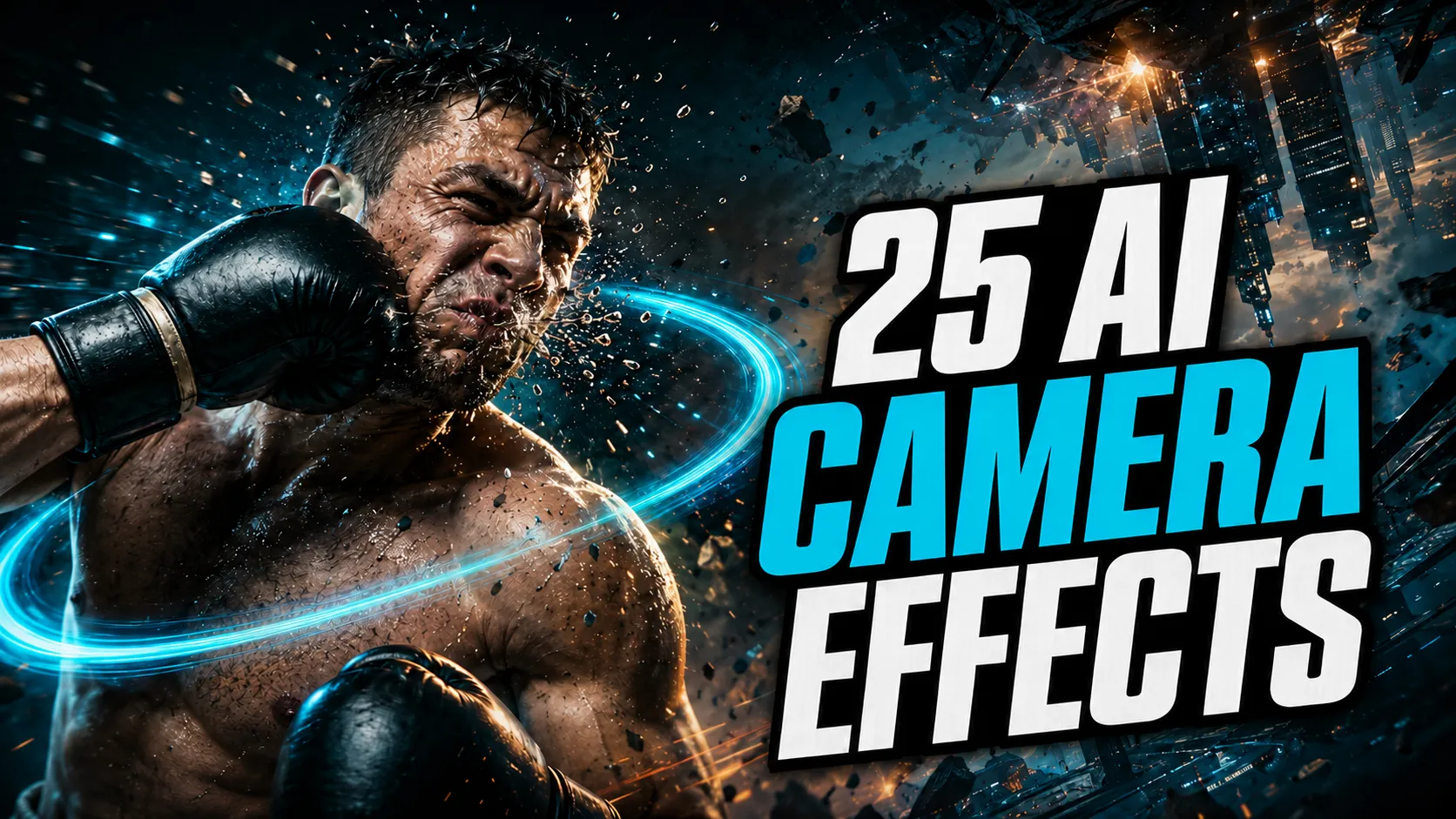
Free Guide
Free Guide
- FormatPDF
- Length~28 pages
Opens in a new tab. Your download access will be sent by Lemon Squeezy; close the checkout tab to return here.

Master the 25 essential camera movements to elevate your AI video generation.
Guides
Choose the free introductory guide or get the complete master pack.
Opens in a new tab. Your download access will be sent by Lemon Squeezy; close the checkout tab to return here.
Cinematic camera movements describe how the virtual camera moves through or around a scene. In traditional filmmaking, these are physical actions: a camera mounted on a dolly rolling toward a subject, a crane lifting the frame above the action, or an operator panning to follow a figure crossing the room. In AI video generation, the camera has no physical presence, but the vocabulary of traditional cinematography remains a practical way to communicate intended visual behavior to a model.
When you write slow dolly in toward the subject, the named movement gives the model a more precise filmmaking instruction than a vague phrase such as “get closer to the person.” The named movement refers to an established cinematography concept with specific visual characteristics. The informal description is ambiguous: getting closer could mean a digital zoom, a composition shift, or a static cut.
Learning to use this vocabulary deliberately helps you craft clearer instructions and diagnose why a generated shot behaves the way it does. The AI Camera & Cinematography playlist documents these camera movement techniques applied specifically to AI video generation.
Camera movement is a foundational tool for directing viewer attention and establishing the spatial quality of a shot. A slow push-in heightens focus and emotional tension. A wide pull-out reveals context, scale, and environment. A tracking shot creates momentum and connection with a subject in motion. A completely static frame communicates stillness, observation, or deliberate restraint.
In traditional film production, these decisions are planned with storyboards, executed with physical gear, and refined across multiple takes. In AI video generation, camera motion must be expressed through written prompts, parameter settings, or motion controls.
When a model translates camera language effectively, the resulting clip displays deliberate visual pacing. When the instruction is lost or misinterpreted, the camera may drift randomly, remain static, or mistake camera instructions for character actions. Developing a structured approach to camera prompts is essential for moving beyond accidental results.
A frequent cause of unpredictable AI video generations is conflating camera movement with subject motion. These represent two independent visual layers:
A tracking instruction naturally links camera and subject motion, while prompts that ask for several independent motions at once can be harder to control. For instance, prompting “the camera pushes in rapidly while the runner sprints across the intersection and looks over their shoulder” demands simultaneous camera translation, subject travel, and micro-acting. The model may prioritize the character’s movement and keep the camera stationary, or produce visual warping as it attempts to reconcile competing trajectories.
Separating camera travel from subject action into distinct clauses makes your prompts easier to manage and refine.
Prompt structure can affect results differently across models. Keeping the primary camera instruction early and explicit reduces ambiguity, but it is not a universal weighting rule. These prompting practices provide a reliable foundation across different tools:
Use standard cinematography terms rather than colloquial approximations. Terms like pan, tilt, dolly in, pull back, orbit, crane up, tracking shot, and handheld carry specific technical meanings. Writing “pan right across the horizon” is more explicit than “show what is on the right side.”
Give the camera directive its own clause or sentence. Stating “Slow orbit around the statue; the background remains in soft focus” is clearer than embedding camera motion into a paragraph of character descriptions.
Requesting multiple compound camera movements in a single prompt segment (such as “pan left then tilt up and dolly out”) often results in partial execution or erratic drift. If your tool supports multi-shot sequencing or keyframing, schedule complex maneuvers across sequential beats. Otherwise, focus on one primary camera movement per generation.
For deeper methods on structuring instructions and organizing prompt elements, explore the AI Prompt Engineering playlist.
Image-to-video generation introduces unique considerations because the source image already fixes the composition, perspective, and lighting:
The Prompt to Shot video explores 25 distinct movements. Below are representative examples illustrating core functional categories:
Each movement brings specific visual storytelling value. In the Free Guide, each of the 25 movements is detailed with practical prompting guidelines.
There is no universal AI video prompt. An identical prompt can yield completely different camera behavior when executed across different AI video tools.
Several observable factors explain this variation:
Recognizing that every AI video tool has distinct characteristics allows you to approach video generation methodically: test prompts against the specific tool you are using, observe the output, and refine based on real results.
For a compact reference to all 25 movements, the Free Guides catalogue includes the 28-page introductory guide associated with this video. The Premium Guide is a separate advanced resource focused on 25 cinematic effects — a different layer of visual control — with model-aware prompts and reference videos.
A cinematic camera movement describes how the virtual camera moves through or around a scene, using traditional filmmaking terminology. Examples include a pan (horizontal rotation), a dolly in (camera moving forward toward the subject), or an orbit (camera moving in an arc around a fixed subject). In AI video generation, these named movements are used as prompting vocabulary because they give the model a more precise filmmaking instruction than an ambiguous phrase.
Use the conventional filmmaking term for the movement — such as pan, tilt, dolly in, pull back, orbit, crane, or tracking shot — and keep the camera instruction early and explicit in your prompt. Pair it with a speed descriptor (such as slow or smooth) and a clear spatial reference (such as toward the subject or around the character). Keeping the camera instruction in its own distinct clause, separate from subject motion, helps make your prompt easier to interpret and refine.
Not identically. Different AI video models interpret camera movement prompts with varying degrees of precision. A prompt that generates a smooth, deliberate push-in in one tool might produce a subtle zoom or a static shot in another. This is why Prompt to Shot emphasizes model-aware prompting: there is no universal AI video prompt. The practical approach is to test movements systematically on the tool you are using and adjust your instructions based on observable output.
Yes, but the starting image introduces distinct constraints. When animating an existing image, the composition and spatial relationships are already established. Camera movements that require significant depth or perspective shifts can conflict with the visible scene geometry, sometimes causing distortion or drift. Starting with a single, clear movement — such as a gentle push-in or pull-out — is generally easier to evaluate and control before experimenting with more complex camera paths.
These movements produce fundamentally different visual effects. A dolly physically moves the camera forward or backward in space, creating a natural change in perspective and depth. A zoom changes the lens focal length from a fixed position, magnifying or widening the view without altering perspective relationships. A tracking shot travels alongside or behind a moving subject, maintaining a consistent relative framing. An orbit arcs around a subject along a curved path, revealing spatial depth from multiple angles. Using the specific term gives the model a clearer instruction than a generic description.
An AI video model may produce a static shot or fail to execute a camera move for several reasons. The camera instruction may be buried within complex scene descriptions, mixed with competing subject actions, or phrased in vague terms rather than recognized cinematography vocabulary. When prompts attempt to coordinate too many visual changes at once, models often prioritize subject appearance over camera travel. Simplifying the prompt, placing the camera instruction in a clear standalone clause, and testing one movement at a time helps diagnose the issue.
Yes. Camera movement describes how the frame travels through space, while subject motion describes what happens inside the frame. When both are combined in a single compressed phrase, it can be difficult to tell whether the model is attempting to move the camera or animate the subject. Describing the camera action in one clause and subject movement in another makes the prompt clearer to interpret, test, and adjust.
This video is part of the following Prompt to Shot playlists.
Camera movement, framing, shot design and cinematic visual storytelling for AI-generated video.
EXPLORE PLAYLIST: AI Camera & CinematographyModel-aware prompting, clearer instructions and more predictable AI video generations.
EXPLORE PLAYLIST: AI Prompt EngineeringGo deeper on cinematic camera movements with a structured guide built for AI video creators.
A practical reference for 25 cinematic camera movements adapted for AI video prompting.
VIEW FREE GUIDE — Free Guide detailsExtended techniques, deeper model analysis and advanced prompting frameworks.$14.99 USD
VIEW PREMIUM GUIDE — Premium Guide details