What Is a Dolly Zoom?
A dolly zoom requires two things to happen at the same time: the camera moves toward or away from the subject, and the focal length changes in the opposite direction to compensate. The result is that the subject stays the same size in frame while the background behind them appears to warp — compressing if the camera moves back while zooming in, or expanding if the camera moves forward while zooming out.
The effect creates a visual tension because the viewer expects both camera movement and subject size to change together. When the subject stays fixed and the background distorts, the depth of the scene appears to stretch or collapse. This is the effect’s distinctive quality.
The One-Test Fix
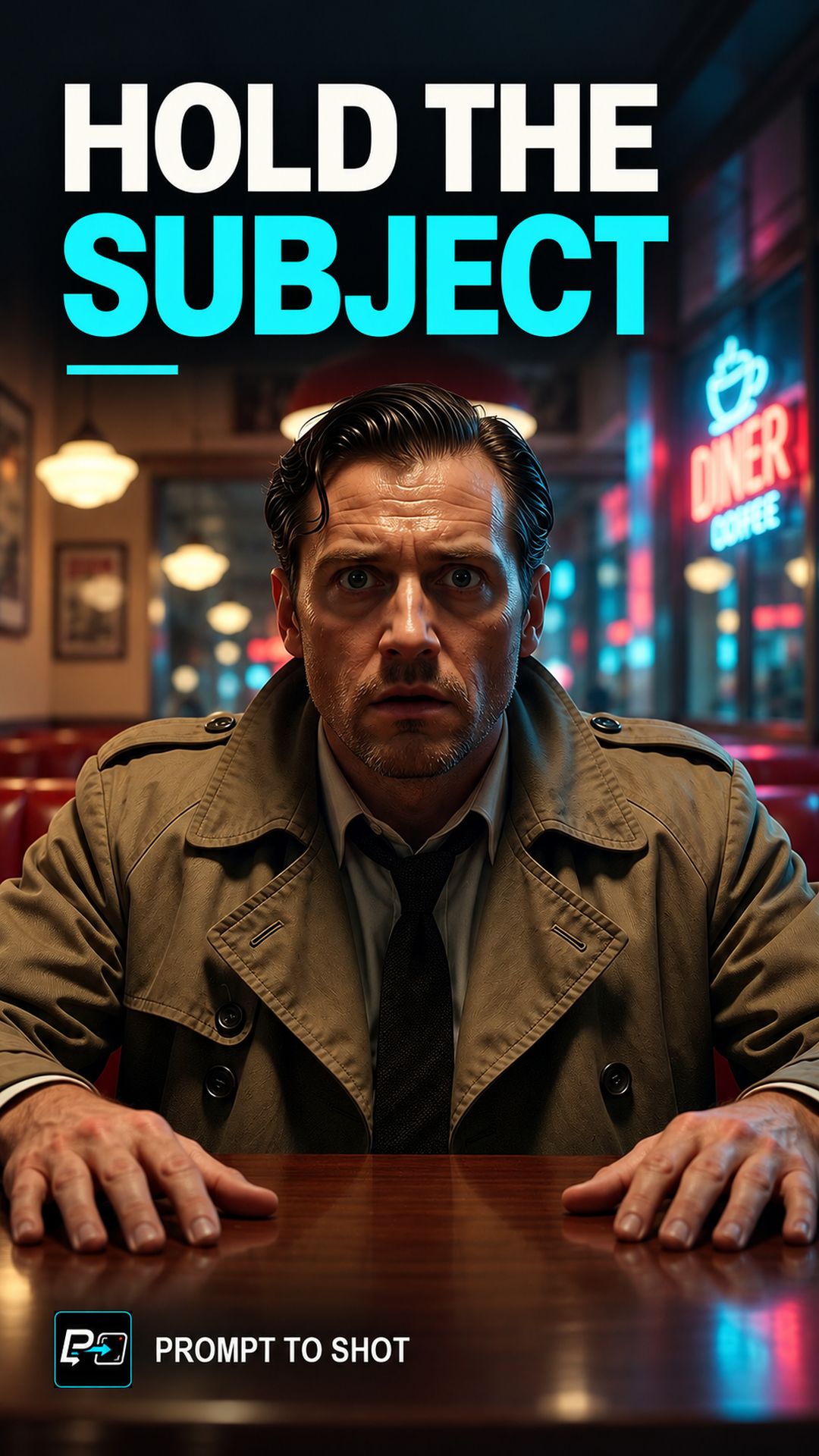
The test for a correct dolly zoom is watching the subject. If the subject stays the same size throughout the shot while the background changes, the effect worked. If the subject grows or shrinks in frame, the camera and focal length are not compensating correctly.
This test applies both to evaluating prompts and to evaluating outputs. It gives a single clear criterion: subject size unchanged, background warped.
What the Prompt Structure Looks Like
Camera [moves toward / pulls back from] subject continuously.
Focal length [decreases / increases] to compensate.
Subject remains the same size in frame throughout.
Background perspective warps [toward / away from] the camera.
The compensation instruction is critical. In tests where subject-lock was not stated explicitly, outputs frequently showed the subject changing size — which means one of the two movements was applied without the other.
Observed Failure Patterns
The most common failure in Prompt to Shot tests is the single-movement output: only the camera moves, or only the focal length changes. Both produce a result that partially resembles the effect but fails the subject-lock test.
A second failure mode is timing mismatch: the camera starts moving before the focal change begins, or the two movements stop at different moments. The compensation must run simultaneously for the duration of the shot.
Testing the Result
Place a fixed reference point on the subject — a face, a shoulder, a prominent object — and track it through the output. If that reference point stays the same size from first frame to last, while the background changes around it, the shot worked. If the reference point changes size, identify which movement is out of calibration and adjust the prompt constraint.
Part of the AI Cinematic Effects playlist.