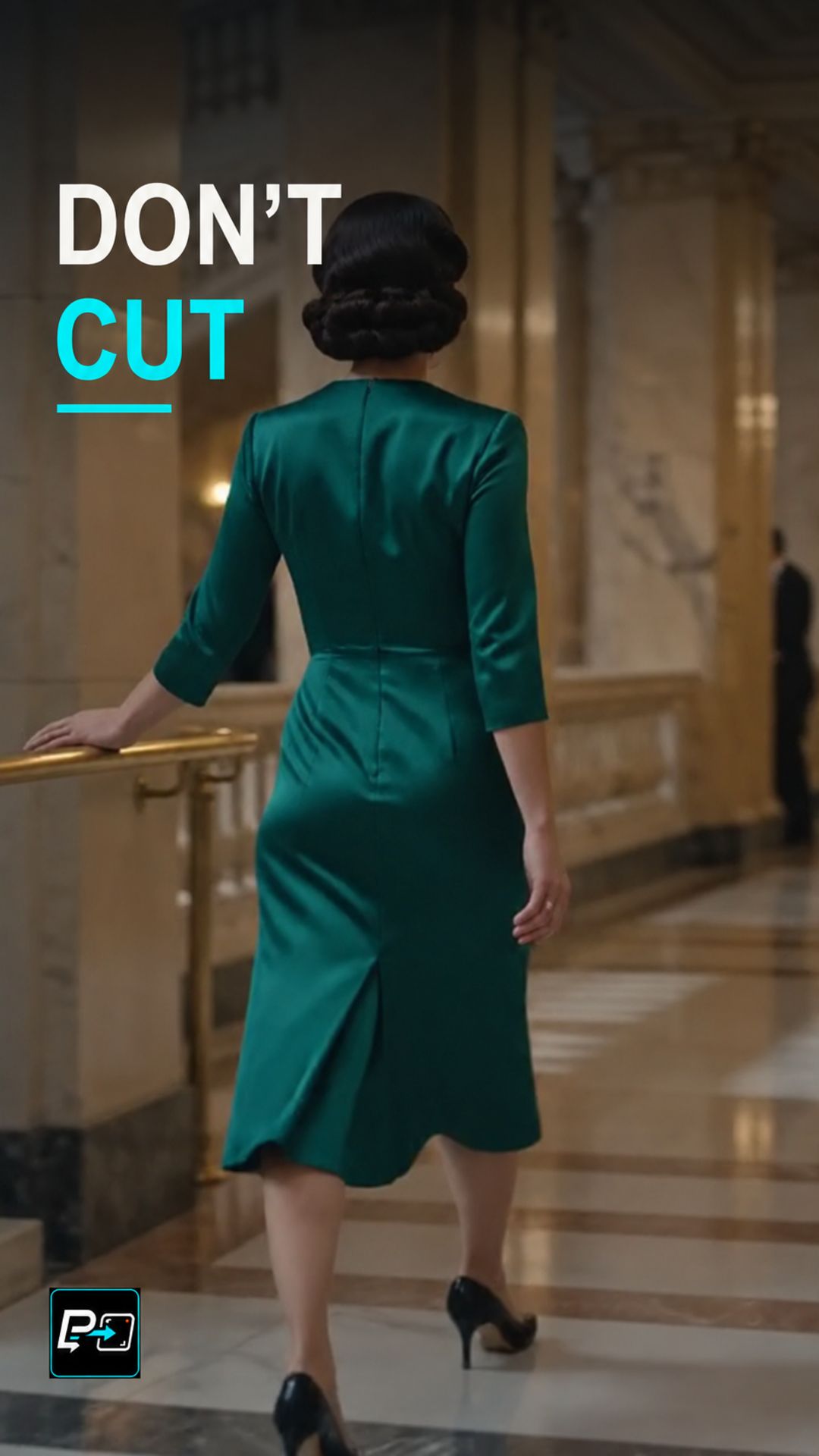
How to Direct an AI Steadicam Long Take
Learn how to direct an AI Steadicam long take by mapping the route, keeping the glide stable and protecting one continuous shot.

Playlist
Explore practical cinematic effects for AI video and learn how motion, timing, perspective, camera behavior, and prompt structure shape the final result.
20 Shorts
Cinematic effects combine camera behavior, subject motion, timing, perspective, transitions, or changes in spatial relationships to create a specific visual result. In AI video generation, the challenge is not only naming the effect but describing the conditions that make it visually recognizable.
This playlist focuses on practical examples: what the effect should look like, which parts of the shot need to move, what needs to remain stable, and how clearer instructions can make the intended result easier to test and refine.
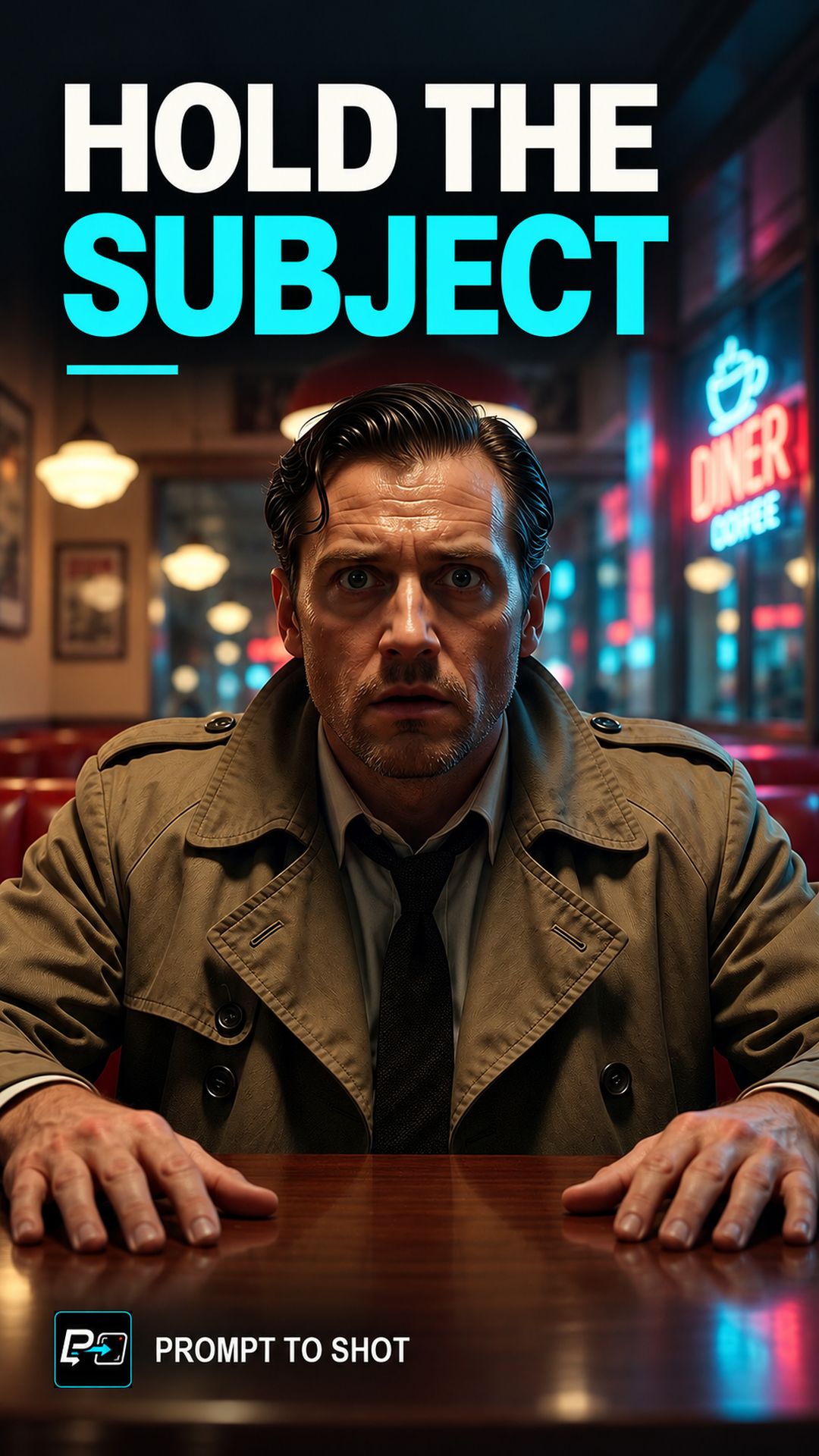
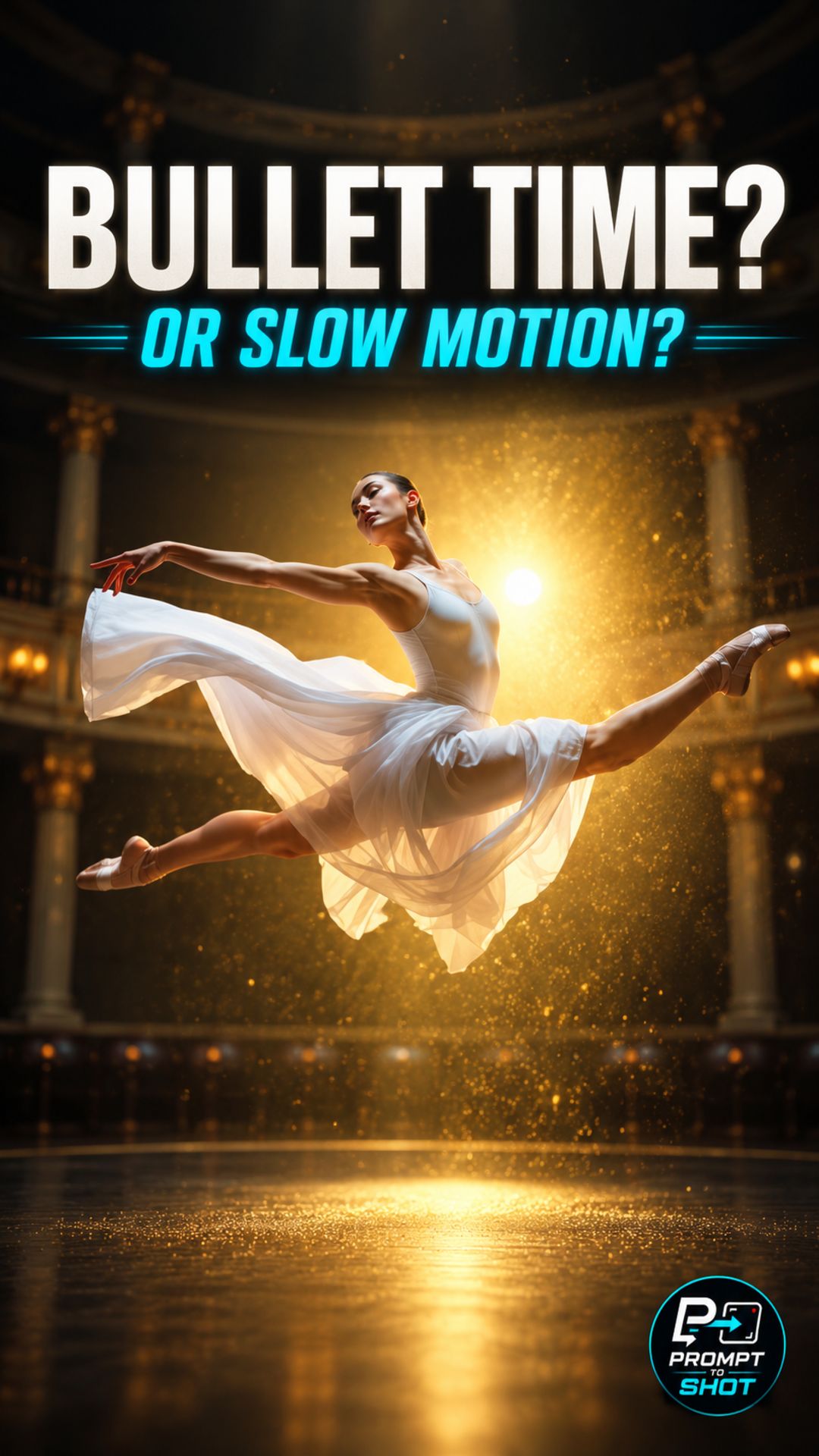
Different effects depend on different visual relationships. Bullet Time relies on the contrast between frozen or slowed action and camera movement. A Dolly Zoom depends on camera movement and framing changing together. A Snorricam depends on keeping the subject stable relative to the camera while the environment moves around them.
That means the prompt must describe more than a visual style. It needs to communicate the motion, timing, camera behavior, subject behavior, and constraints that define the effect.
There is no universal AI video prompt. The same instruction can behave differently across tools, models, source images, and generation modes.
A practical workflow is to define the effect clearly, identify its essential visual relationships, test a simple version first, and refine one variable at a time. The Shorts in this playlist demonstrate those principles effect by effect.
Learn how to direct an AI Steadicam long take by mapping the route, keeping the glide stable and protecting one continuous shot.
Learn how to direct an AI rack focus by locking the camera, swapping the focus planes and landing the reveal sharp.
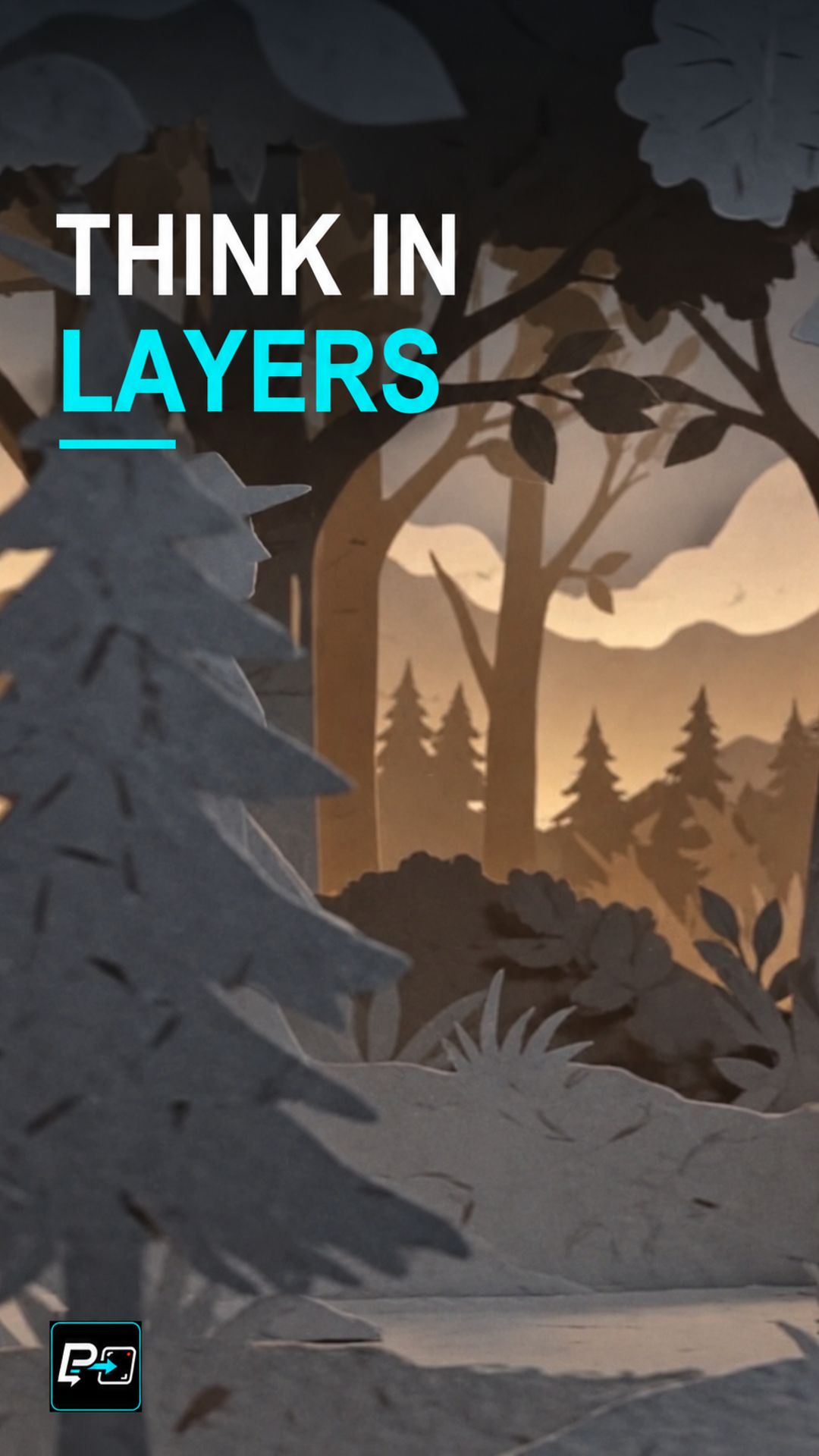
Learn how to direct an AI papercut animation with separate paper layers, visible gaps and relative movement that reveal how the scene is built.
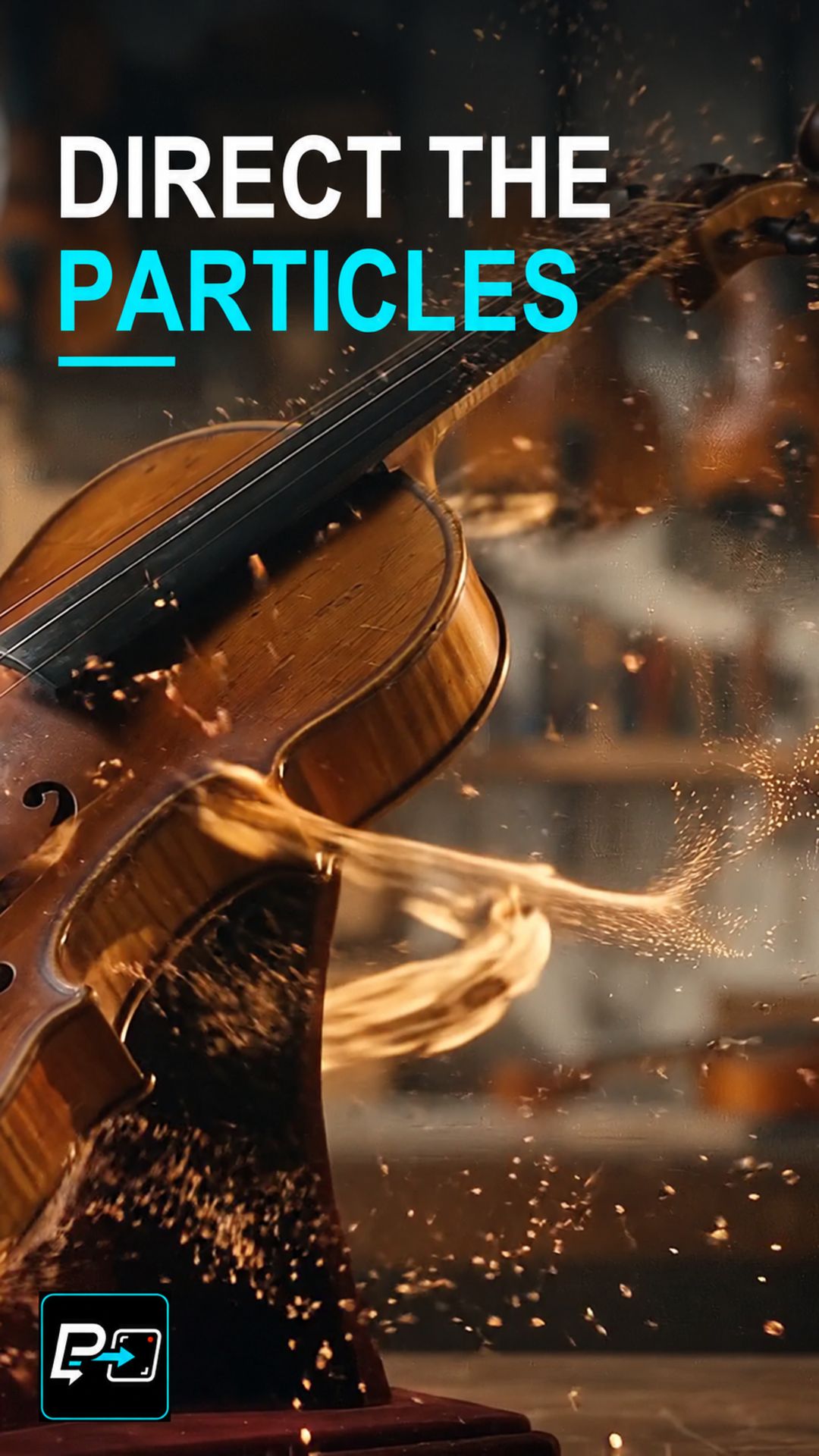
Learn how to direct an AI particle dissolve effect with a readable release, a coherent path and a defined destination for the material.
Learn how to direct an AI selective freeze time shot where the camera follows a moving hero while the surrounding world is described as suspended.
Learn how to direct an AI fixed-camera timelapse that accelerates the environment while the frame, landmarks and composition stay stable.
Learn how to direct an AI speed ramp by scripting separate phases: the build-up, a held peak, and a clean snap back to real time.
Learn how to direct a continuous camera pass-through in AI video by defining the approach, mapping the transit and designing the reveal.
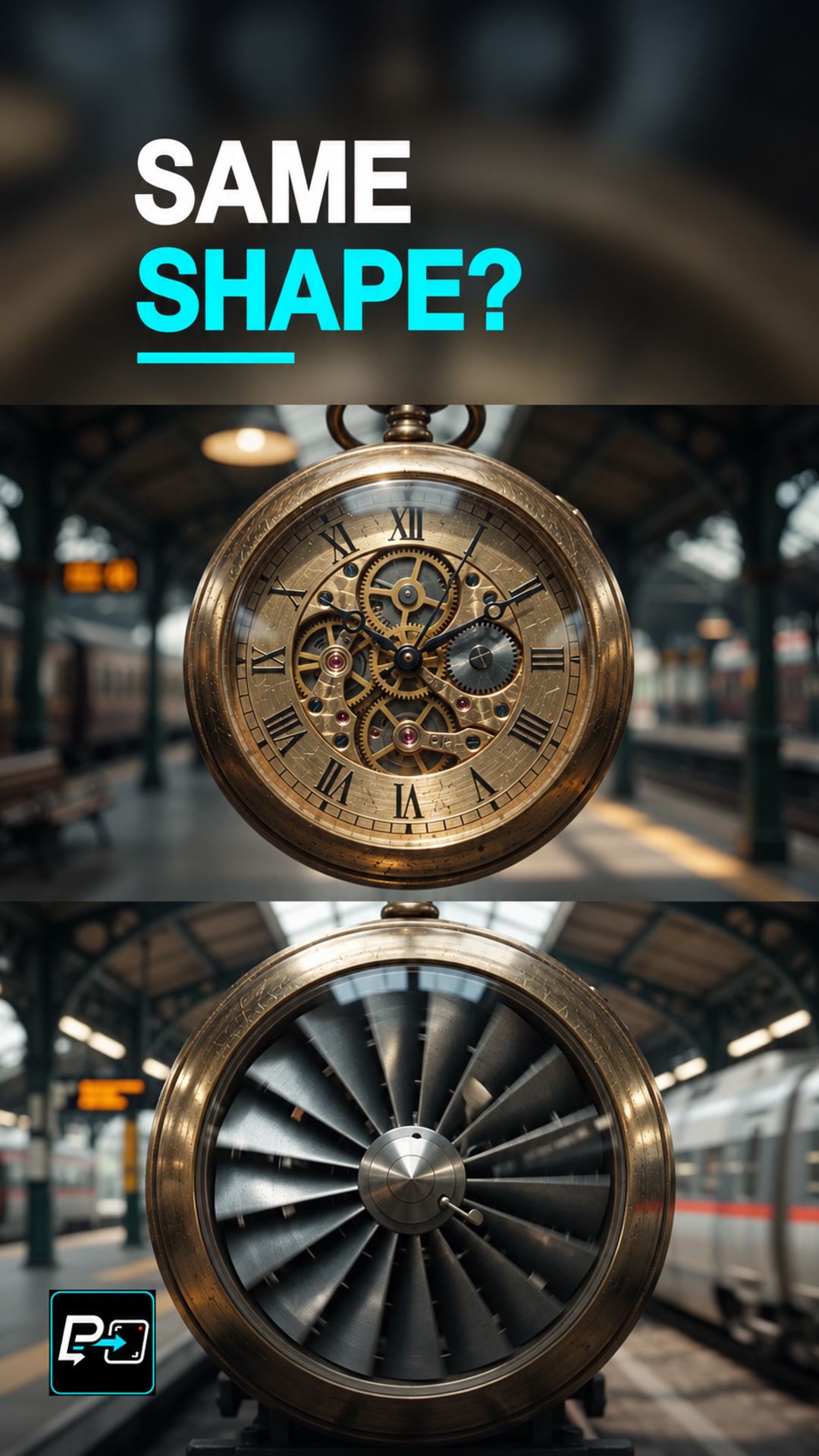
Learn why an AI match cut needs matching shape, scale and screen position, and how to define the geometric anchor before changing the world.
Learn how to direct an AI freeze time shot where one subject keeps moving while the rest of the scene is described as suspended.
Learn how to decouple time progression from camera speed in AI video to direct smooth orbiting hyperlapses around a stationary subject.
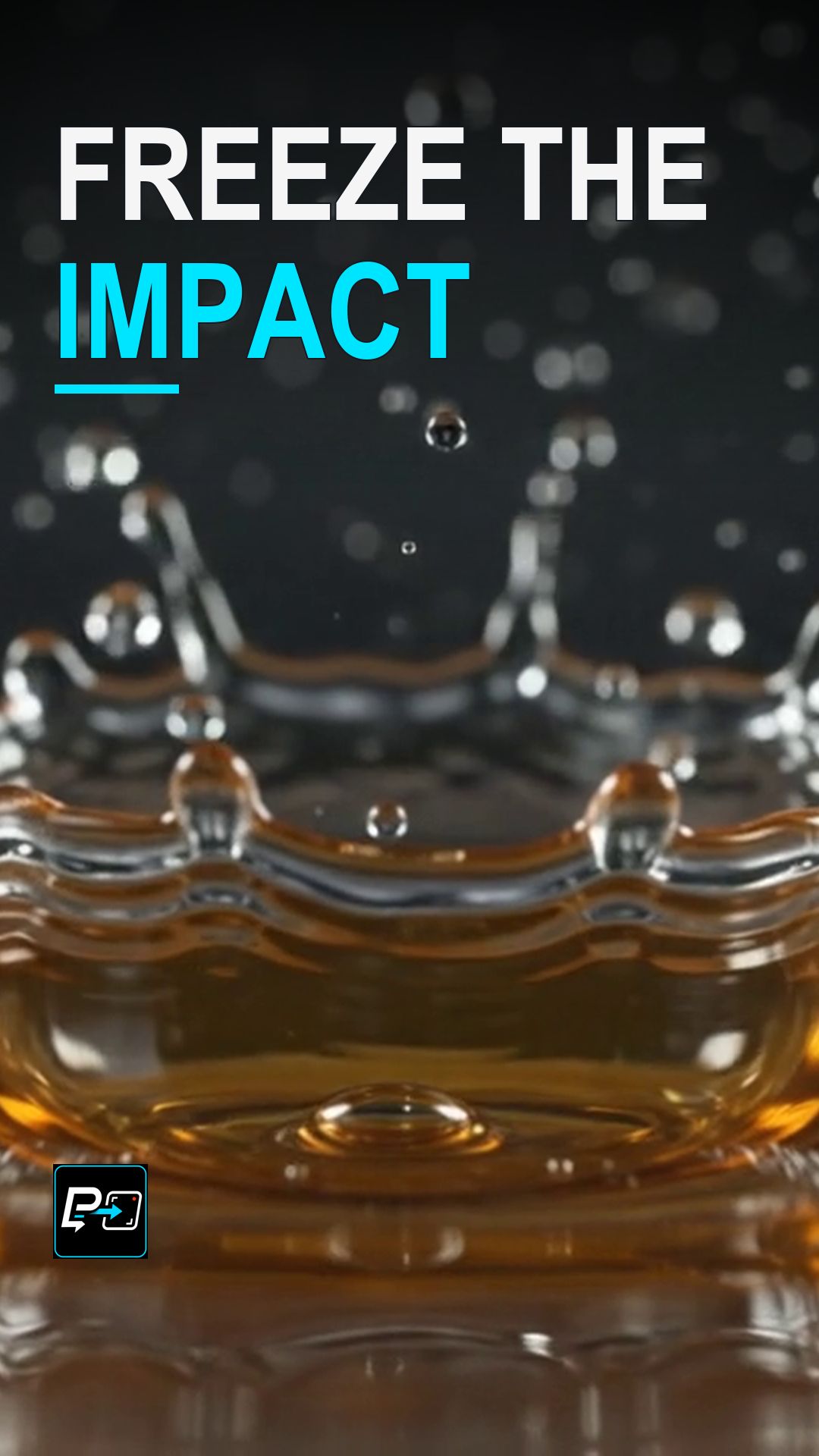
Learn how to freeze the instant of impact in AI video to turn chaotic fluid collisions into sculpted, high-detail liquid structures.
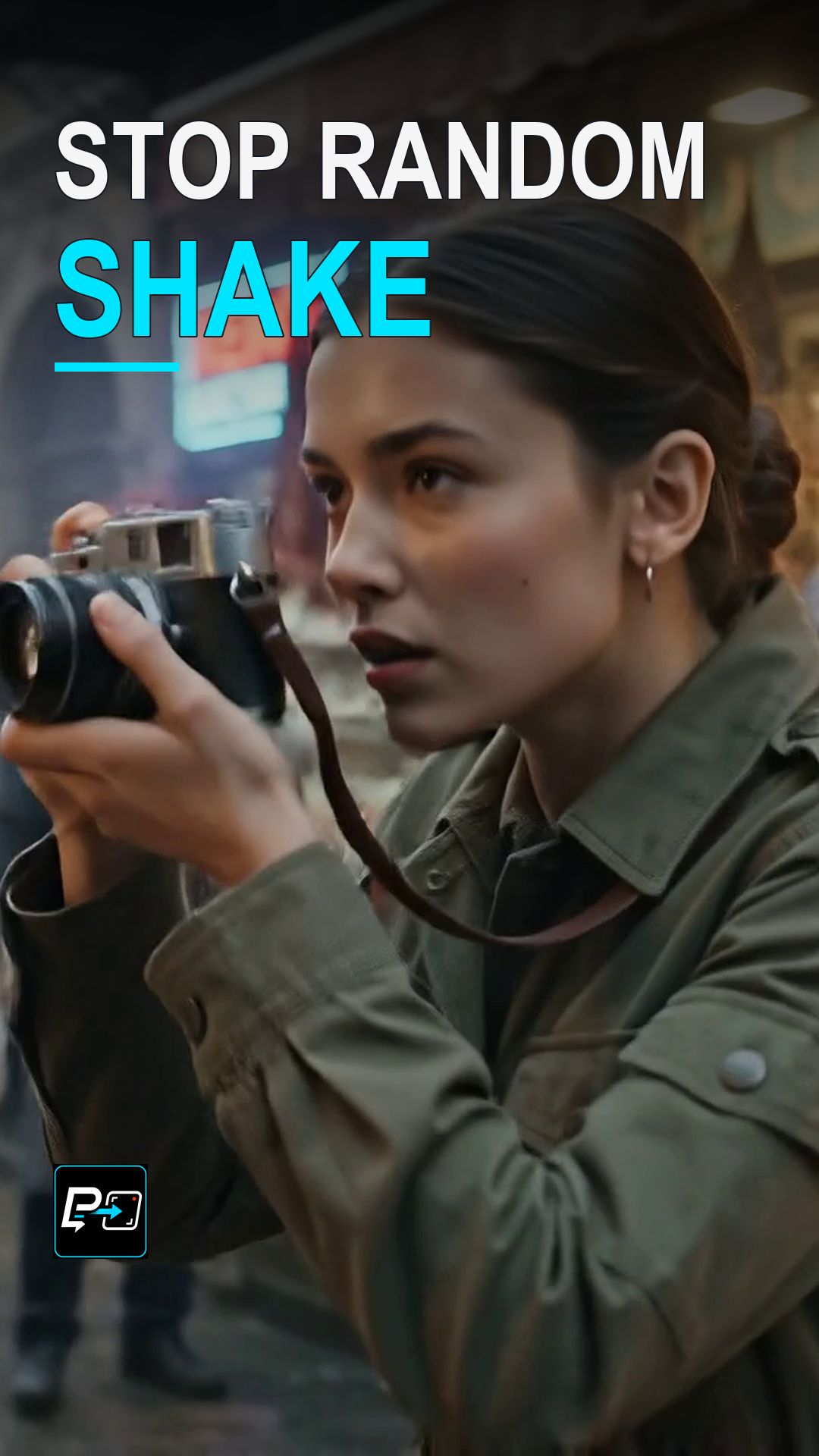
Avoid the trap of continuous digital vibration by grounding your AI handheld camera in natural human breathing and operator correction.
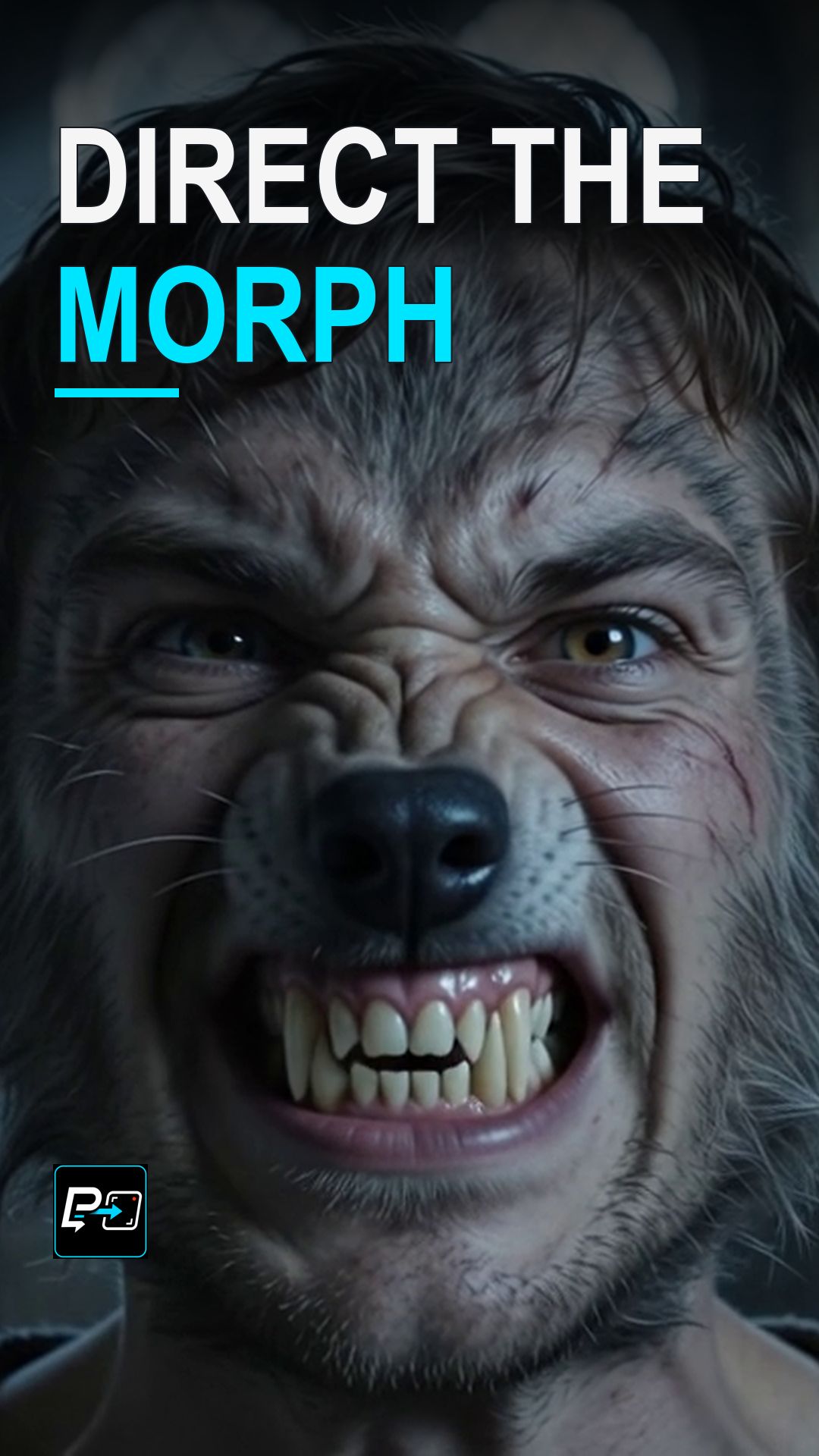
Learn how to direct fluid morph transitions in AI video by controlling the intermediary trajectory between two distinct visual states.
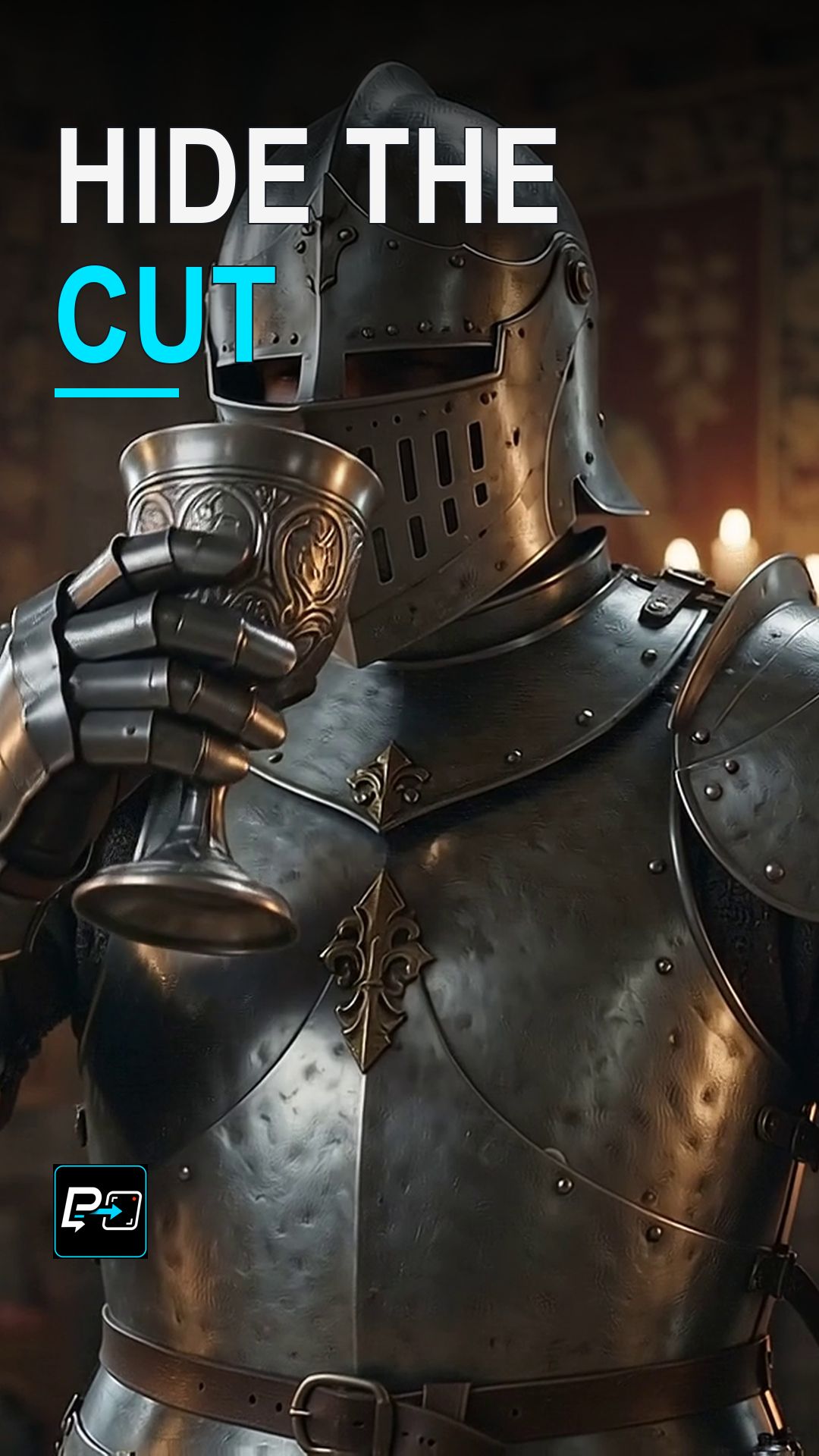
Direct a readable start, a blurred crossover, and a controlled stop to help hide a scene change inside directional motion blur in AI video.
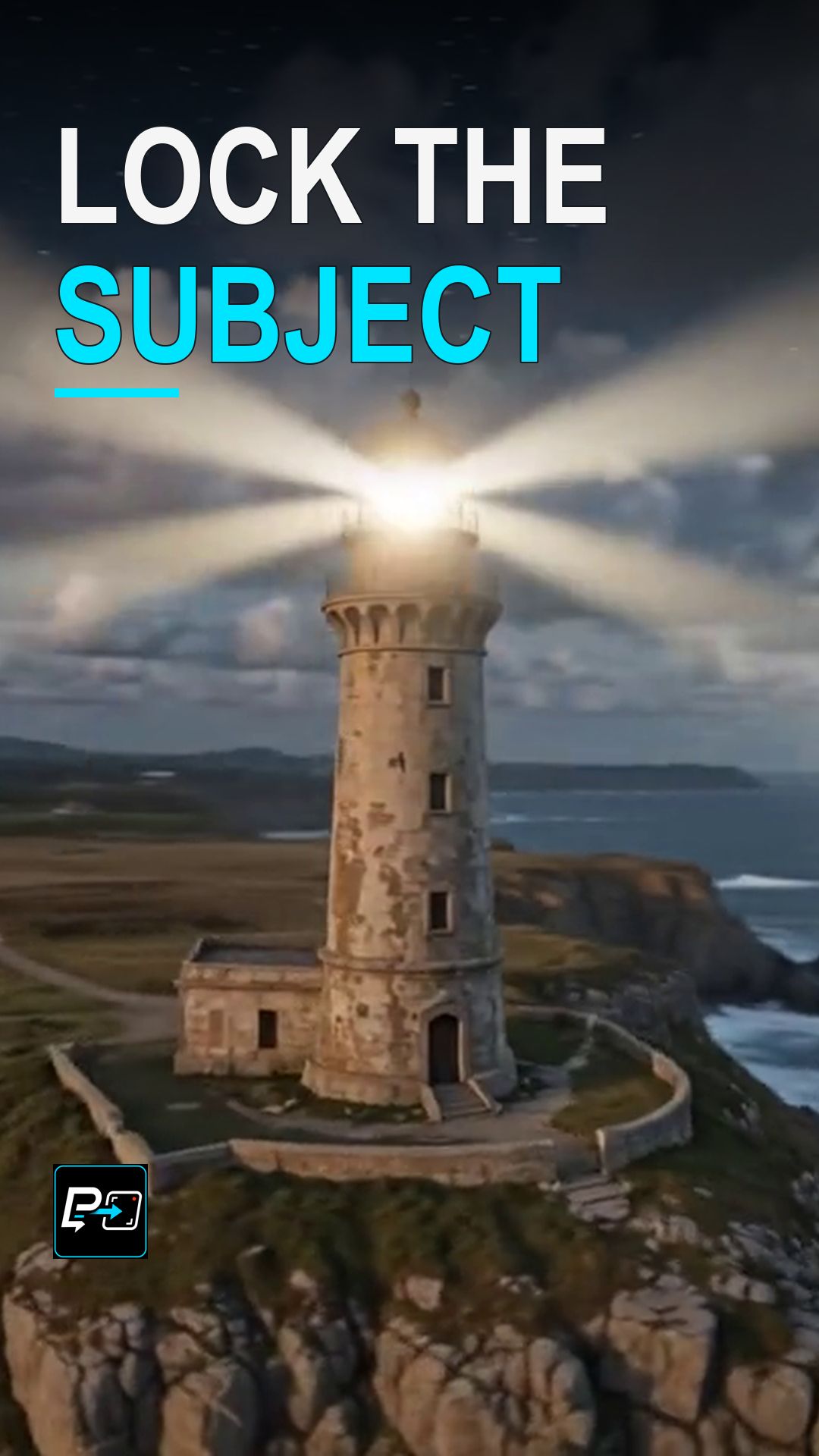
Explore how to lock the camera to an actor's body in AI video, keeping the face rigidly centered while the background shifts dynamically.
Master the classic Vertigo effect in AI video with a simple visual test that keeps your subject stable while background perspective distorts.
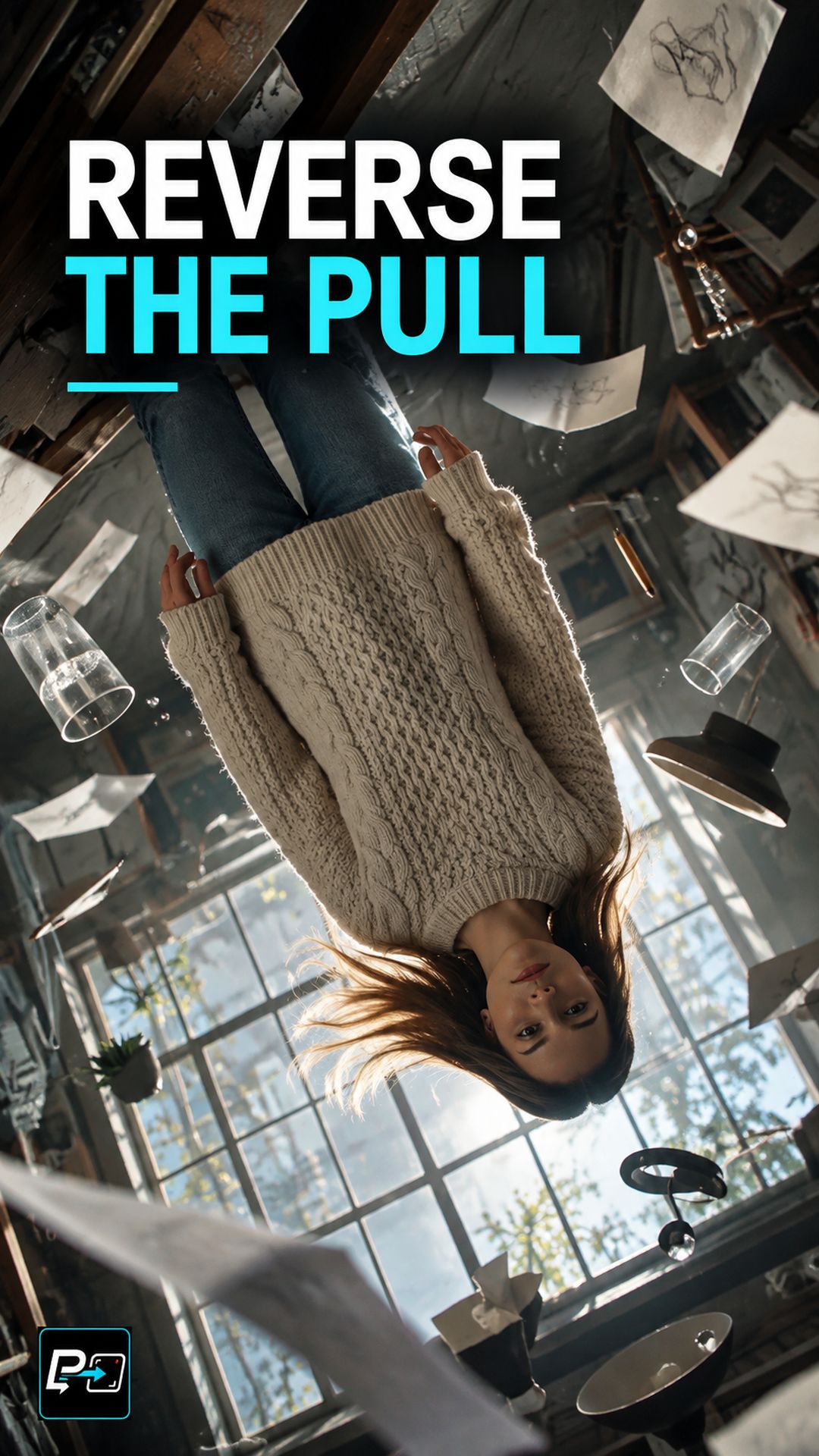
Learn why rotating the camera frame is not enough for an AI gravity flip and how to direct environmental physics and falling objects.
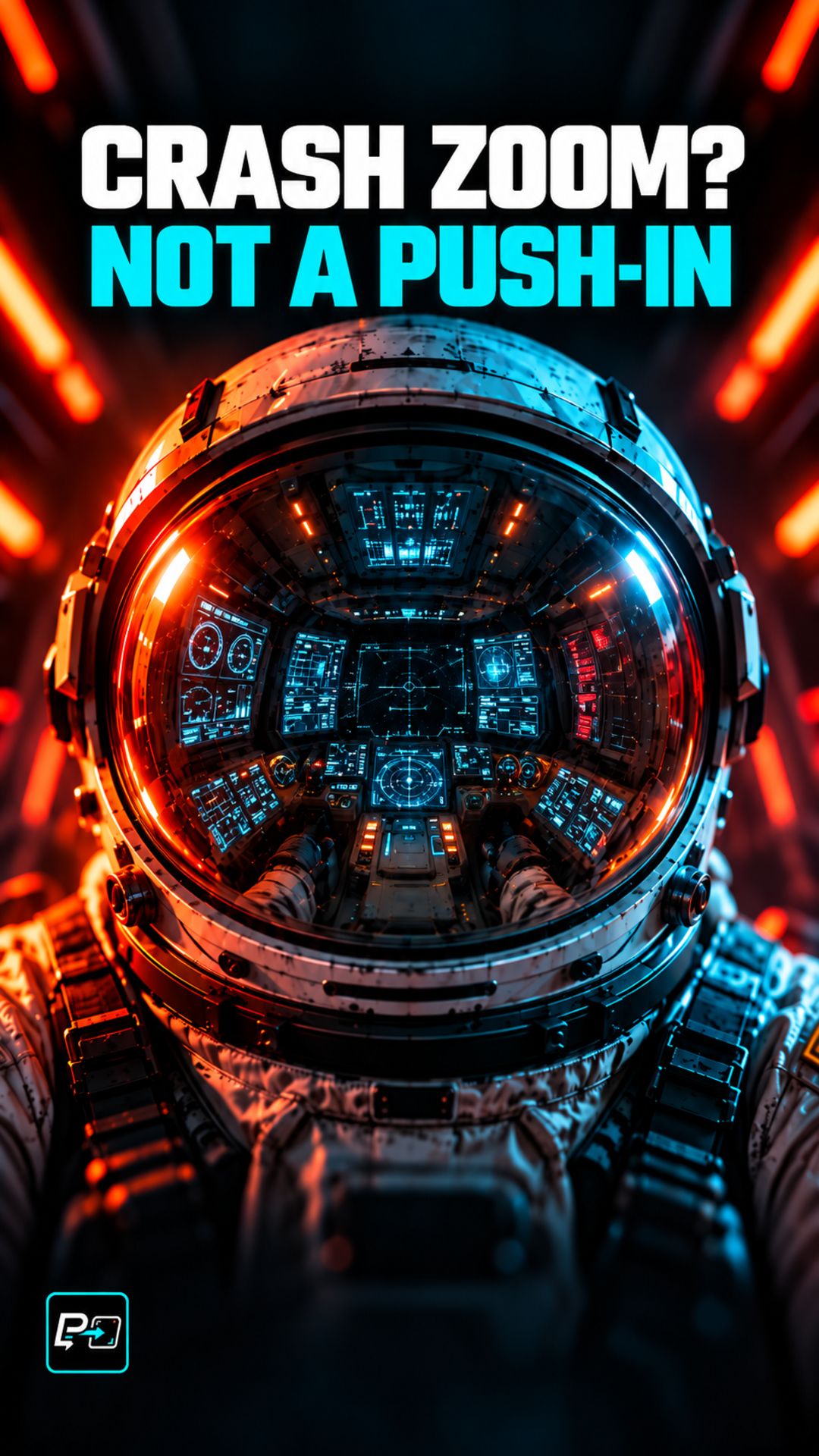
Discover why a fast camera push-in ruins a crash zoom and how to prompt rapid focal-length changes with a stable camera position.
Learn how to direct a convincing Bullet Time in AI video by freezing scene action while maintaining deliberate camera travel around the subject.