AI Filmmaking Short

How to Direct an AI Camera Pass-Through

Learn how to direct a continuous camera pass-through in AI video by defining the approach, mapping the transit and designing the reveal.

17 seconds9:16 Vertical

About This Video

What Is a Camera Pass-Through?

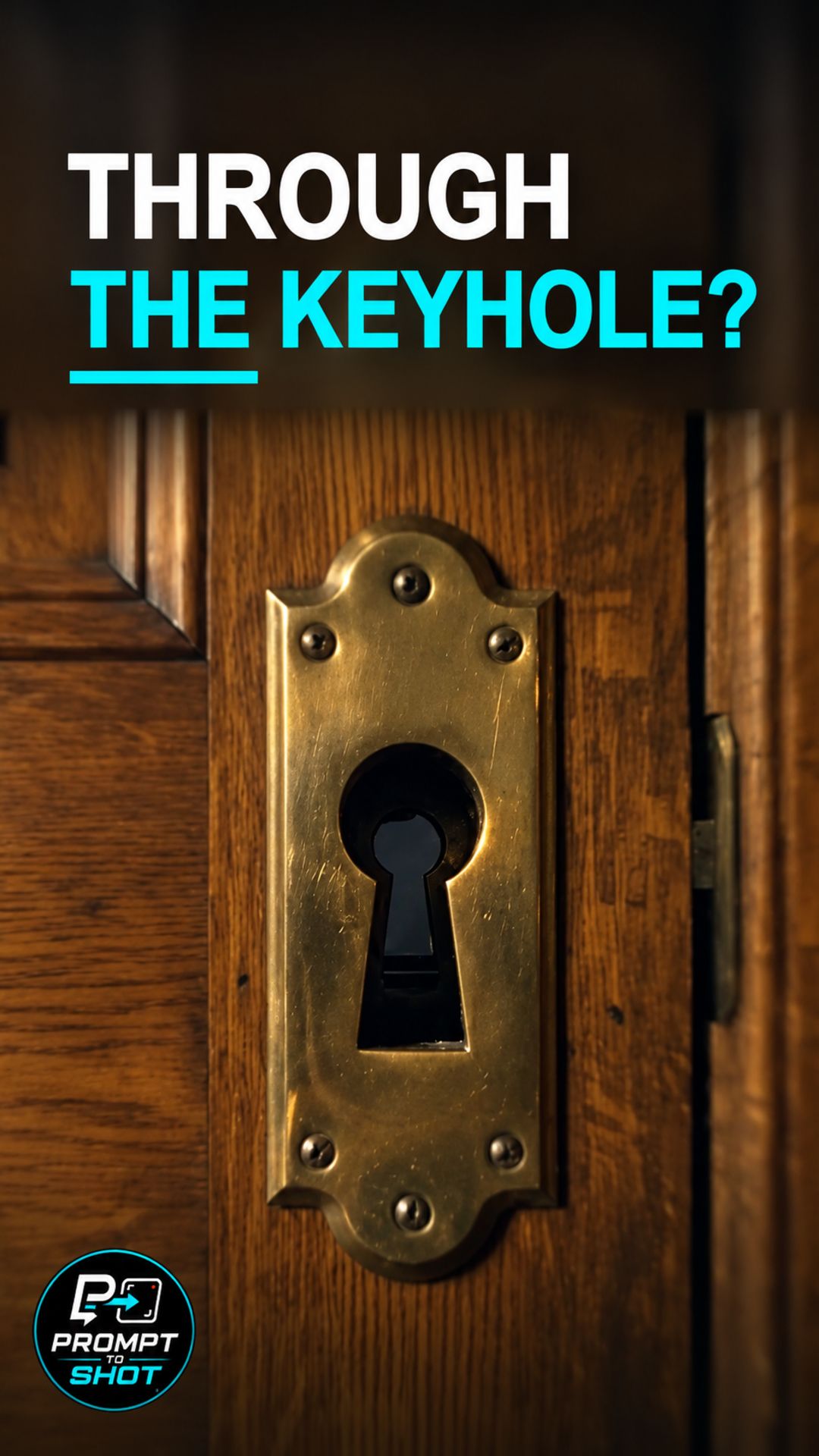
A pass-through shot moves the camera through a physical opening, such as a keyhole, and into a different space without cutting away. The viewer follows one uninterrupted path across the threshold.

An impressive destination is not enough. The shot reads as a pass-through only when the camera path is continuous and the crossing stays visible.

Define the Approach, Map the Transit, Design the Reveal

The directing principle has three parts: define the approach, map the transit, and design the reveal. Describe the portal and the route through it before describing what lies beyond.

In this Short, the selected output moves from a room to a keyhole, through an internal mechanism, and out to a street. The other generated outputs were not selected because the geometry of a glass and handle, or of a window and its reflection, was ambiguous.

Because the interior is stylized, the shot should be judged on whether the camera path stays continuous, not on physical realism. Related camera-path ideas appear in the Dolly Zoom Short.

Example Directing Pattern for a Pass-Through

This is an example directing pattern, not the exact production prompt.

Continuous, unbroken camera push-in with no cuts.
Approach: the camera starts at [starting view] and moves toward [portal].
Transit: the camera passes through [portal] and travels through [what is inside the opening].
Reveal: the camera emerges into [destination], showing [key details of the new space].

Separating the approach, the transit, and the reveal keeps each stage of the camera path explicit.

Quality Checks for Pass-Through Generations

  • Path Continuity: At normal speed, look for jumps in direction or geometry along the camera path.
  • Visible Crossing: Confirm the moment of passing through the portal is shown, not skipped.
  • Reveal Match: Check that the destination matches what the prompt described.

Part of the AI Cinematic Effects playlist.

Frequently Asked Questions

What is a camera pass-through shot?

A pass-through is one continuous camera path that crosses a threshold, such as a keyhole, and arrives somewhere new. The camera path matters as much as the destination.

What are the three directions in this Short?

Define the approach, map the transit, and design the reveal. Define the portal and the route before describing what lies beyond, and keep the crossing visible.

How was the output for this Short selected?

In the production review, the selected output was judged sufficiently continuous from the room to the keyhole, through an internal mechanism, to the street reveal. The interior is stylized and fantastical, and this Short does not claim realistic physical geometry.

What did the production prompt describe?

A continuous, unbroken push-in with no cuts or morph anomalies, from a writer's study door through the interior of a brass keyhole, with tumblers and dust, to a rain-slicked neon Tokyo street.

Guides

Free & Premium Guides

Continue with the Free Guide for a practical reference, or go deeper with the Premium Guide for model-aware prompting and reference outputs.

Free Guide

Free Guide

  • FormatPDF
  • Length~28 pages
GET THE FREE GUIDE

Opens in a new tab. Your download access will be sent by Lemon Squeezy; close the checkout tab to return here.

Premium Guide

Premium Guide

  • FormatPDF, MP4
  • Length~58 pages
  • Price$14.99 USD
  • 25 effects and technique explanations
  • Model-aware prompting (Gemini, Google Flow, Kling AI)
  • 75 Reference videos (MP4)
  • Language editions: EN, FR, ES, DE, JA, PT-BR
GET THE PREMIUM GUIDE — $14.99 USD

Series

AI Cinematic Effects

Practical Shorts on cinematic effects for AI video — covering motion, timing, perspective, and camera behavior effect by effect.