What Is a Freeze Splash Effect?
A freeze splash captures a high-velocity fluid impact at the exact millisecond of maximum dispersion. Instead of showing liquid rushing through a collision, the shot presents water, paint, or particulate fluid suspended in mid-air as a sculpted three-dimensional structure.
The visual impact relies on the contrast between the expected kinetic energy of a splash and the stillness it suggests in the crown and its droplets. In AI video, that stillness is something to direct and then check, not something to assume.
Why Slow Motion Is Not Enough
Slowing a collision down is not the same as holding its liquid shape. Slow motion keeps the whole event moving, while a freeze splash is directed around one precise instant of impact. The teaching point for this Short is to freeze the right instant, so the collision reads as a precise liquid sculpture.
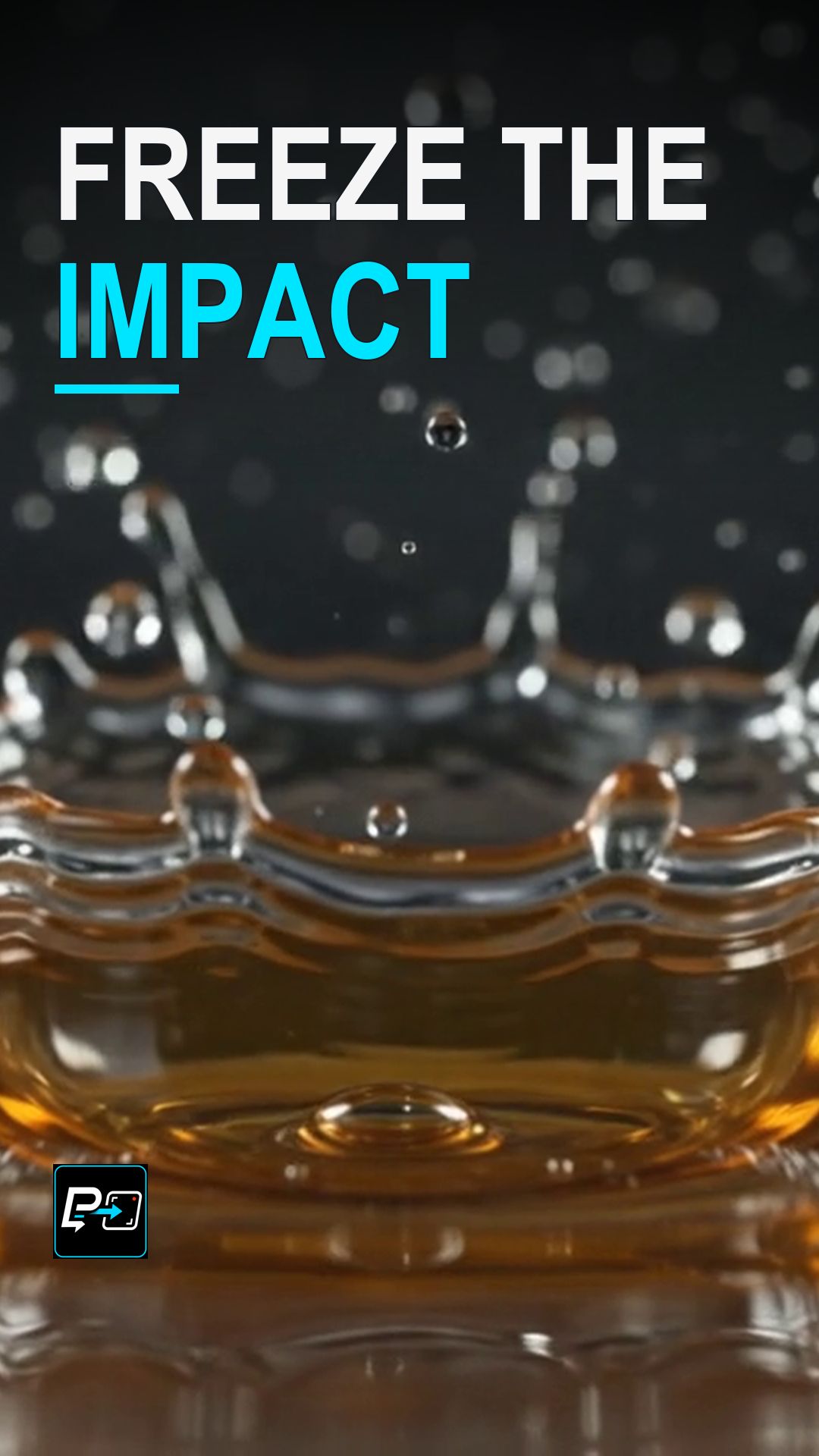
In the selected output for this Short, the splash crown persists while surrounding drops change. It is a strong teaching image, but it is not proof of perfect temporal suspension, so the useful question is whether the crown and droplets you chose to preserve remain coherent as the shot develops.
Example Directing Pattern for a Freeze Splash
This is an example directing pattern, not the exact production prompt. The production prompt for this example used a static, locked-off macro camera.
Static, locked-off macro camera.
[Object or liquid] collides with a [liquid surface] at one precise instant of impact.
A defined splash crown with suspended droplets around the impact point.
High-speed photography look, sharp light on the glossy surface.
Use the pattern to name the crown, the suspended droplets, and the instant of impact rather than only asking for a splash. Thinking of the result as a precise liquid sculpture is useful directing language.
What to Look For in Generated Shots
- Droplet Coherence: Individual droplets should maintain consistent spherical or teardrop shapes rather than flickering or morphing between frames.
- Surface Tension: The rim of the splash crown should show clean, continuous edges rather than broken pixel noise.
- Suspension: Check whether the droplets you chose to preserve stay readable around the crown. In the selected output, surrounding drops change while the crown persists, so judge the shot by the structure you directed rather than by perfect stillness.
Part of the AI Cinematic Effects playlist.