What Are First and Last Frames?
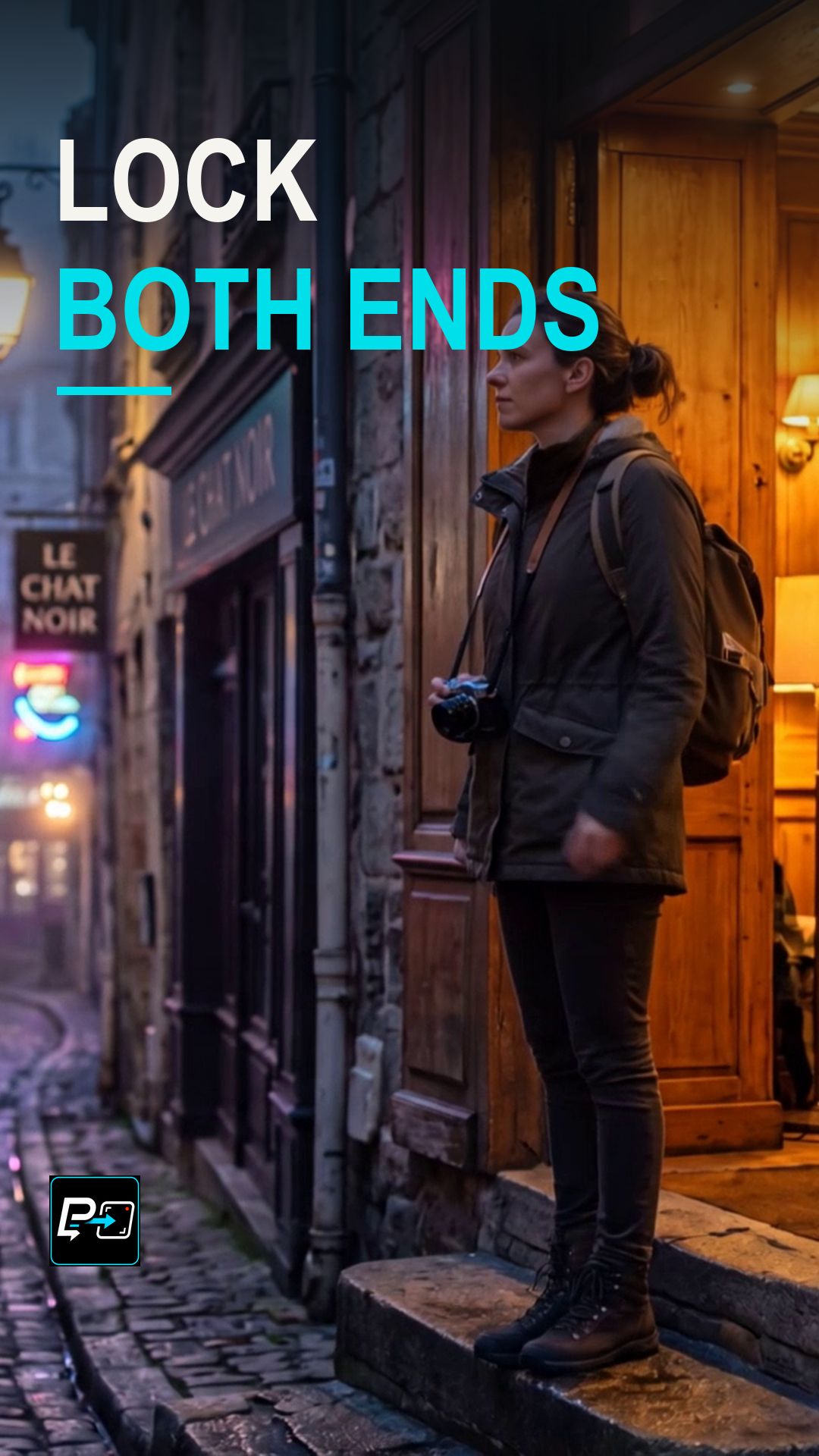
First frame and last frame controls define two anchors: the composition where a shot starts and the composition where it should end. The generation then has to get from one to the other.
Two anchors alone do not guarantee a believable bridge between them. The camera and the subject still need a clear way to travel between those compositions.
Lock Both Anchors, Direct the Bridge, Protect Continuity
The directing principle is to lock both anchors, direct the connecting movement, and then protect continuity by inspecting the middle of the generation. Check character identity and surrounding geometry throughout, not only at the first and last frames.
In this Short the first anchor shows a woman at an orange doorway to the right of a street, and the last anchor shows a centered, rear-facing figure with a backpack walking into the street. The production review notes that the generated endpoints approach those compositions without claiming exact pixel or identity equivalence.
This Short compares two outputs. Model names are the labels used in the production files. In this comparison, the human editorial decision was that Flow supplied the cleaner bridge between the two anchors, and that Kling was a useful diagnostic example with more geometry and architecture drift. Kling is not described as a failed generation, and Flow is not presented as mathematically perfect. A third output, labelled Gemini, was not selected for the approved comparison.
For another transition effect, see the Morph Cut Short.
Example Directing Pattern for First and Last Frames
This is an example directing pattern, not the exact production prompt.
First frame: [composition and subject at the start].
Last frame: [composition and subject at the end].
Bridge: the camera [movement] from the first composition to the last, with [subject] [action] along the way.
Continuity: the same [subject identity] and [surrounding space] throughout.
Describing the bridge as its own line gives you a middle section to inspect.
Quality Checks for First and Last Frame Generations
- Check the Middle: Inspect the middle of the generation, not only the first and last frames.
- Identity: Check that the character stays recognizable throughout.
- Surrounding Geometry: Look at doorways, street edges and other fixed elements for drift between the two anchors.
Part of the AI Cinematic Effects playlist.