AI Filmmaking Short

How to Direct an AI Morph Cut Transition

Learn how to direct fluid morph transitions in AI video by controlling the intermediary trajectory between two distinct visual states.

19 seconds9:16 Vertical

About This Video

What Is an AI Morph Cut Transition?

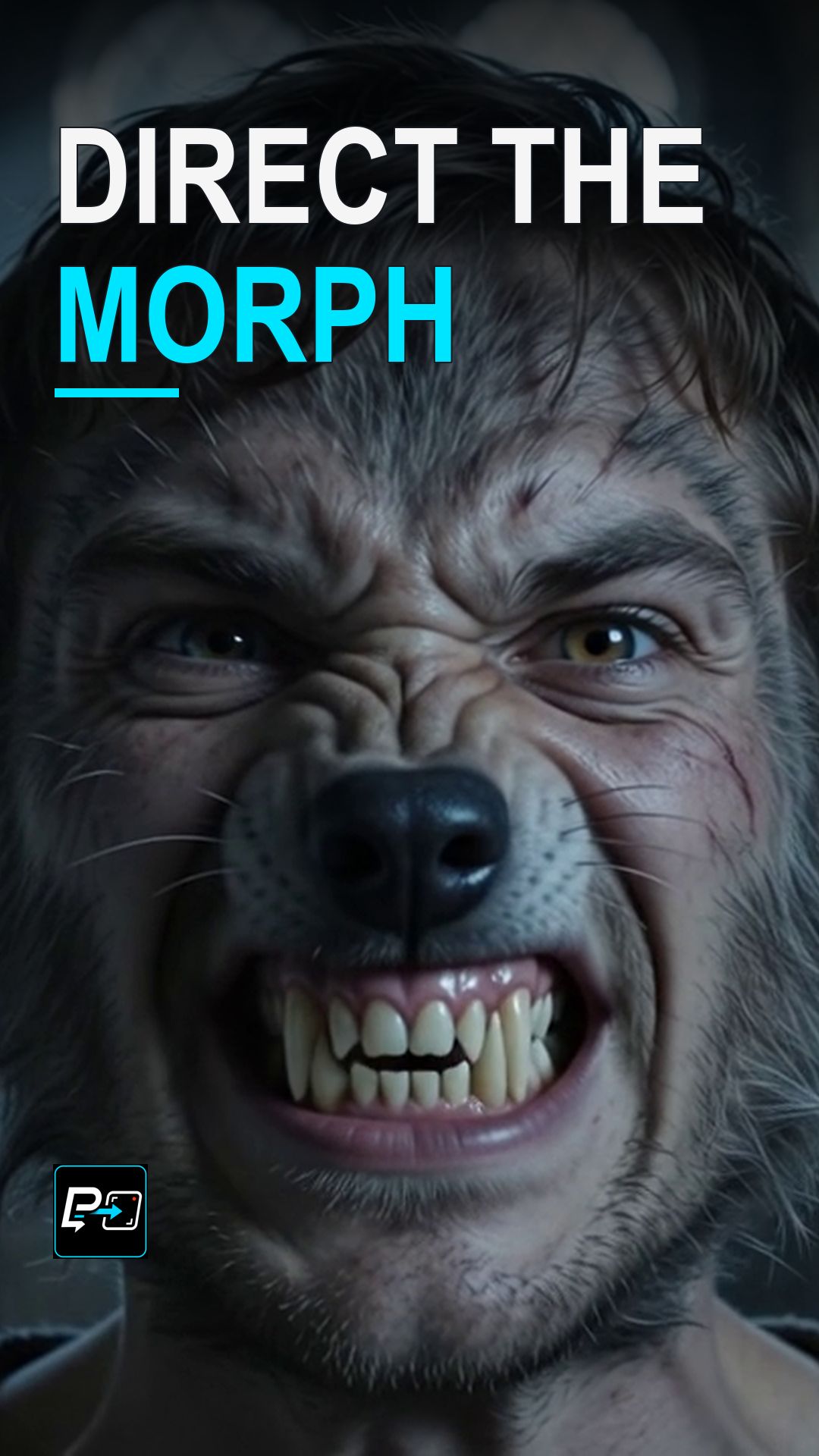
An AI morph cut transitions one subject, object, or environment into another through continuous geometric deformation. Instead of cutting sharply between two angles or fading their opacity, the elements in the frame melt, fold, or reshape themselves into a new form in real time.

When it works, a morph links two forms in one continuous take rather than a cut. The lesson for this Short is to think in bridges, not endpoints.

Why Endpoints Alone Are Not Enough

A morph prompt that names only the starting form and the ending form leaves the path between them undirected. The directing principle is to describe the intermediate changes: the clearer the path from form A to form B, the smoother the morph.

In the selected output for this Short, the transformation shows readable intermediate stages with the face kept central. In another output from the same comparison, a sampled frame shows a marble face returning toward stone after it had begun to take on skin. Reversals like this are what the bridge approach helps you spot and direct.

Example Directing Pattern for a Morph

This is an example directing pattern, not the exact production prompt. It names explicit intermediate steps and keeps the camera static and the take continuous, as the production prompts did.

Static, locked-off camera, subject centered. One continuous take, no cuts, dissolves, or fades.
[Subject A] transforms into [Subject B] in logical steps:
first, [first visible change];
then, [second visible change];
finally, [last visible change].

Naming each step gives the transformation a path to follow in the prompt. Then review the result for reversals, abrupt swaps, and lost detail.

Key Visual Checks for Morph Sequences

  • Reversals: Check whether any part of the transformation moves backward, such as a surface starting to change and then returning toward its first form.
  • Abrupt Swaps: Check whether one form suddenly replaces the other instead of changing through visible intermediate stages.
  • Continuity: Check whether details such as the face stay continuous at full speed, not only in sampled frames.

Part of the AI Cinematic Effects playlist.

Frequently Asked Questions

What does 'think in bridges, not endpoints' mean for an AI morph?

It means a morph prompt needs more than a starting form and an ending form. The clearer the path from form A to form B, the smoother the morph, so describe the intermediate changes as well as the beginning and the end.

What should I check in a morph transition?

Watch for reversals, abrupt swaps, and details that lose continuity. In one output from this comparison, a sampled frame shows a marble face that had begun to take on skin returning toward stone before the hair changed. That is a reversal, and it weakens the transformation.

What is the difference between an AI morph cut and a cross-dissolve?

A cross-dissolve simply fades out Shot A while fading in Shot B, showing two semi-transparent frames overlaid. A morph cut actively deforms and reorganizes the geometry, contours, and textures of the first subject into the second.

What camera approach did this example use?

The production prompts for this example used a static, locked-off camera with the subject centered, and asked for one continuous take with no cuts, dissolves, or fades. A simple camera keeps the transformation itself as the movement you direct and review.

Guides

Free & Premium Guides

Continue with the Free Guide for a practical reference, or go deeper with the Premium Guide for model-aware prompting and reference outputs.

Free Guide

Free Guide

  • FormatPDF
  • Length~28 pages
GET THE FREE GUIDE

Opens in a new tab. Your download access will be sent by Lemon Squeezy; close the checkout tab to return here.

Premium Guide

Premium Guide

  • FormatPDF, MP4
  • Length~58 pages
  • Price$14.99 USD
  • 25 effects and technique explanations
  • Model-aware prompting (Gemini, Google Flow, Kling AI)
  • 75 Reference videos (MP4)
  • Language editions: EN, FR, ES, DE, JA, PT-BR
GET THE PREMIUM GUIDE — $14.99 USD

Series

AI Cinematic Effects

Practical Shorts on cinematic effects for AI video — covering motion, timing, perspective, and camera behavior effect by effect.