AI Filmmaking Short

How to Direct an AI Fixed-Camera Timelapse

Learn how to direct an AI fixed-camera timelapse that accelerates the environment while the frame, landmarks and composition stay stable.

18 seconds9:16 Vertical

About This Video

What Is a Fixed-Camera Timelapse?

A fixed-camera timelapse holds the framing steady while the environment changes quickly: fog moves, light shifts, plants grow. The change is in the world, not in the camera.

The effect depends on a stable composition. If the framing drifts, the shot reads as a camera move rather than as time passing.

Lock the Frame, Accelerate the World

The directing principle is to separate rapid environmental change from a stable composition. Lock the camera position and framing in the prompt, and describe the acceleration only for the environment.

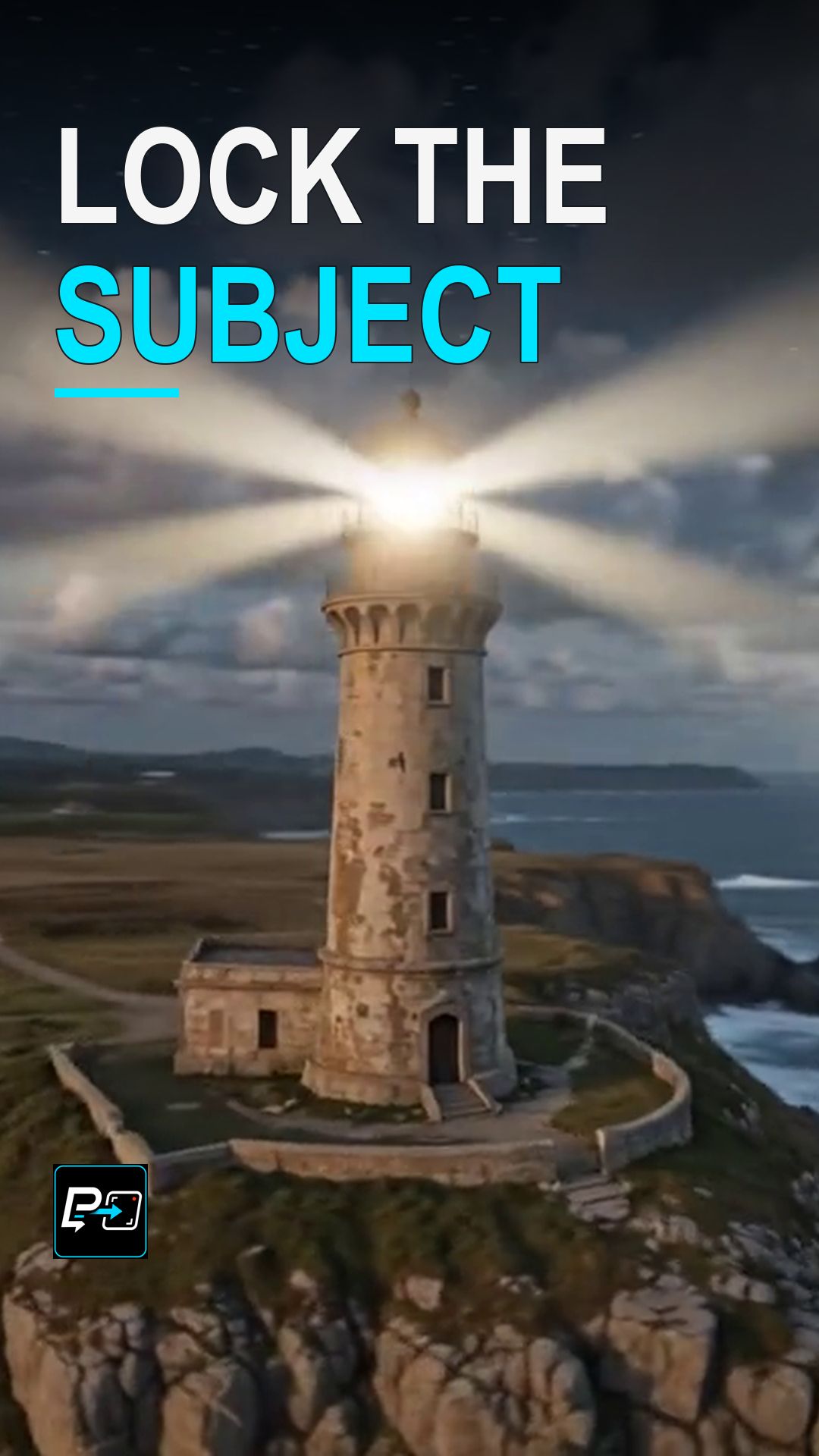
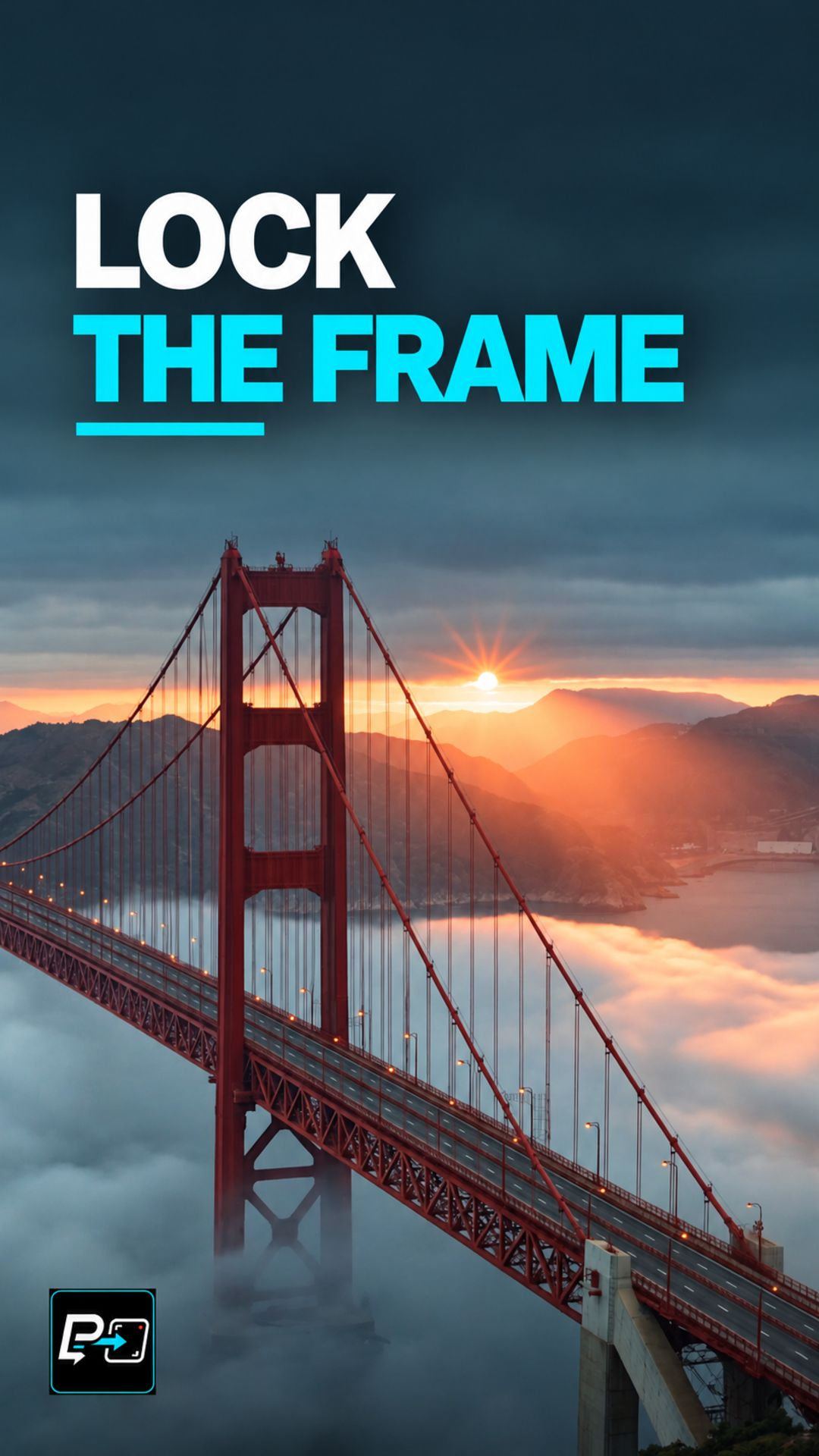
This Short compares two outputs. In the first, a tree with blossoms and light evolves, but the trunk and landmark scale changes and the frame creeps forward, which is a fixed-camera failure cue. In the second, the bridge towers and horizon stay comparatively stable while fog and light change. That makes it the strongest camera-lock candidate of the two, although the tower geometry still needs human review.

The comparison view in this Short uses two time states from the same source coordinates, without stabilization or warp. For an accelerated shot where the camera does move, see the Hyperlapse Orbit Short.

Example Directing Pattern for a Fixed-Camera Timelapse

This is an example directing pattern, not the exact production prompt.

Static, locked-off camera on a tripod. No pan, tilt, or zoom.
Framing: [composition], with [landmark 1] and [landmark 2] fixed in the frame.
Accelerated timelapse of the environment: [changes such as fog, light, clouds, or blossoms].
The composition stays unchanged from the first frame to the last.

Naming the landmarks that must stay fixed gives you something concrete to check afterwards.

Quality Checks for Fixed-Camera Timelapse Generations

  • Landmark Scale: Watch whether a trunk, tower, or building changes size as the shot progresses.
  • Frame Creep: Check for a slow push-in, drift, or tilt that the prompt did not ask for.
  • Whole-Shot Test: Check the anchors across the entire generation, not just the first and last frames.

Part of the AI Cinematic Effects playlist.

Frequently Asked Questions

What is frame drift in an AI timelapse?

Frame drift is when the framing slowly shifts in a shot that should be locked, for example a landmark changing scale or the frame creeping forward. In the first output of this Short, blossoms and light evolve, but the trunk and landmark scale changes and the frame creeps forward.

How should the camera lock be described in the prompt?

Lock the camera position and framing, and accelerate only the environment. The production prompts for this example described a static locked-off camera on a tripod with no pan, tilt or zoom, and the negative prompt for one of the models listed panning, zooming, tilt and handheld jitter.

Which output held the frame more steadily?

In the second output, the bridge towers and horizon stay comparatively stable while fog and light change, which made it the strongest camera-lock candidate. It is not a pixel-perfect lock, and the tower geometry still needs human review.

How can I test whether the frame is really locked?

Choose visible landmarks, such as a tower or the horizon, and watch them across the whole generation, not only in the first and last frames.

Guides

Free & Premium Guides

Continue with the Free Guide for a practical reference, or go deeper with the Premium Guide for model-aware prompting and reference outputs.

Free Guide

Free Guide

  • FormatPDF
  • Length~28 pages
GET THE FREE GUIDE

Opens in a new tab. Your download access will be sent by Lemon Squeezy; close the checkout tab to return here.

Premium Guide

Premium Guide

  • FormatPDF, MP4
  • Length~58 pages
  • Price$14.99 USD
  • 25 effects and technique explanations
  • Model-aware prompting (Gemini, Google Flow, Kling AI)
  • 75 Reference videos (MP4)
  • Language editions: EN, FR, ES, DE, JA, PT-BR
GET THE PREMIUM GUIDE — $14.99 USD

Series

AI Cinematic Effects

Practical Shorts on cinematic effects for AI video — covering motion, timing, perspective, and camera behavior effect by effect.