What Is a Rack Focus?
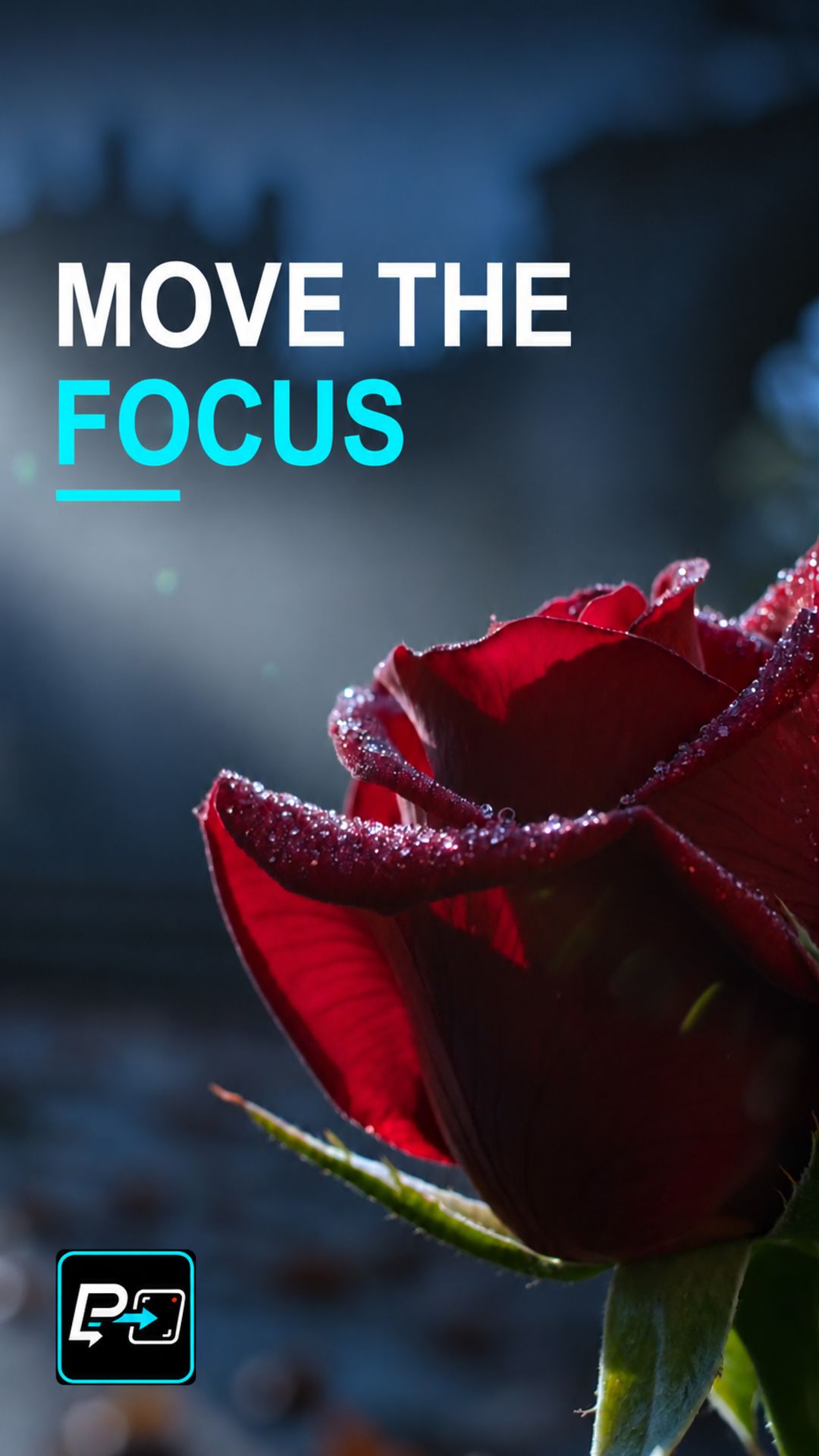
A rack focus moves the sharp focus from one plane of the image to another during a shot. It starts with one plane sharp and ends with the plane you want to reveal sharp, while the other softens.
In AI video the risk is that other things change at the same time, which makes the focus change hard to read.
Lock the Camera, Swap the Focus, Land the Reveal
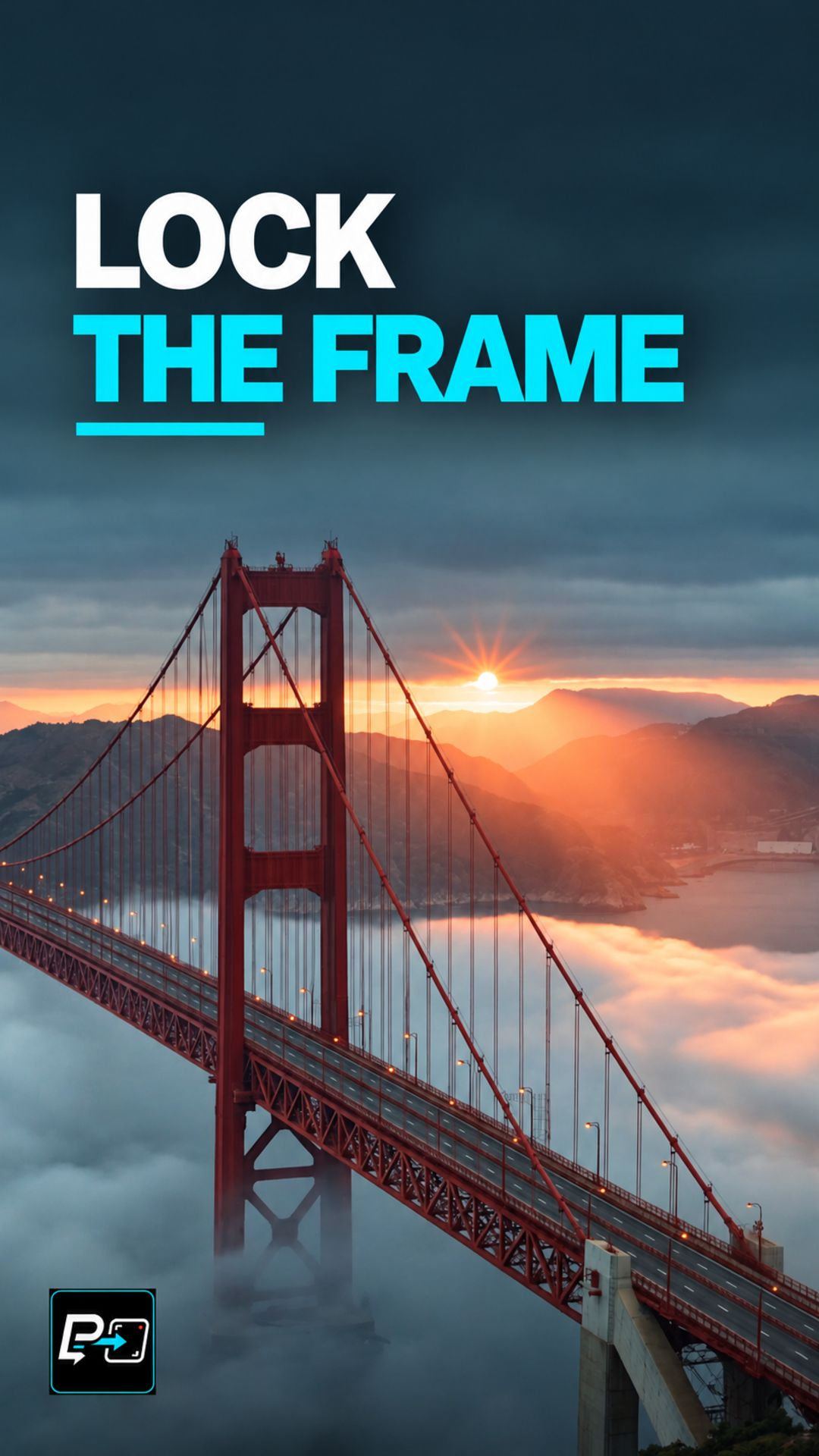
The directing principle is to lock the intended camera position, name the starting focus plane, and specify a sharp destination. A camera push can change the composition at the same time, so this Short teaches the focus-plane change separately from camera movement.
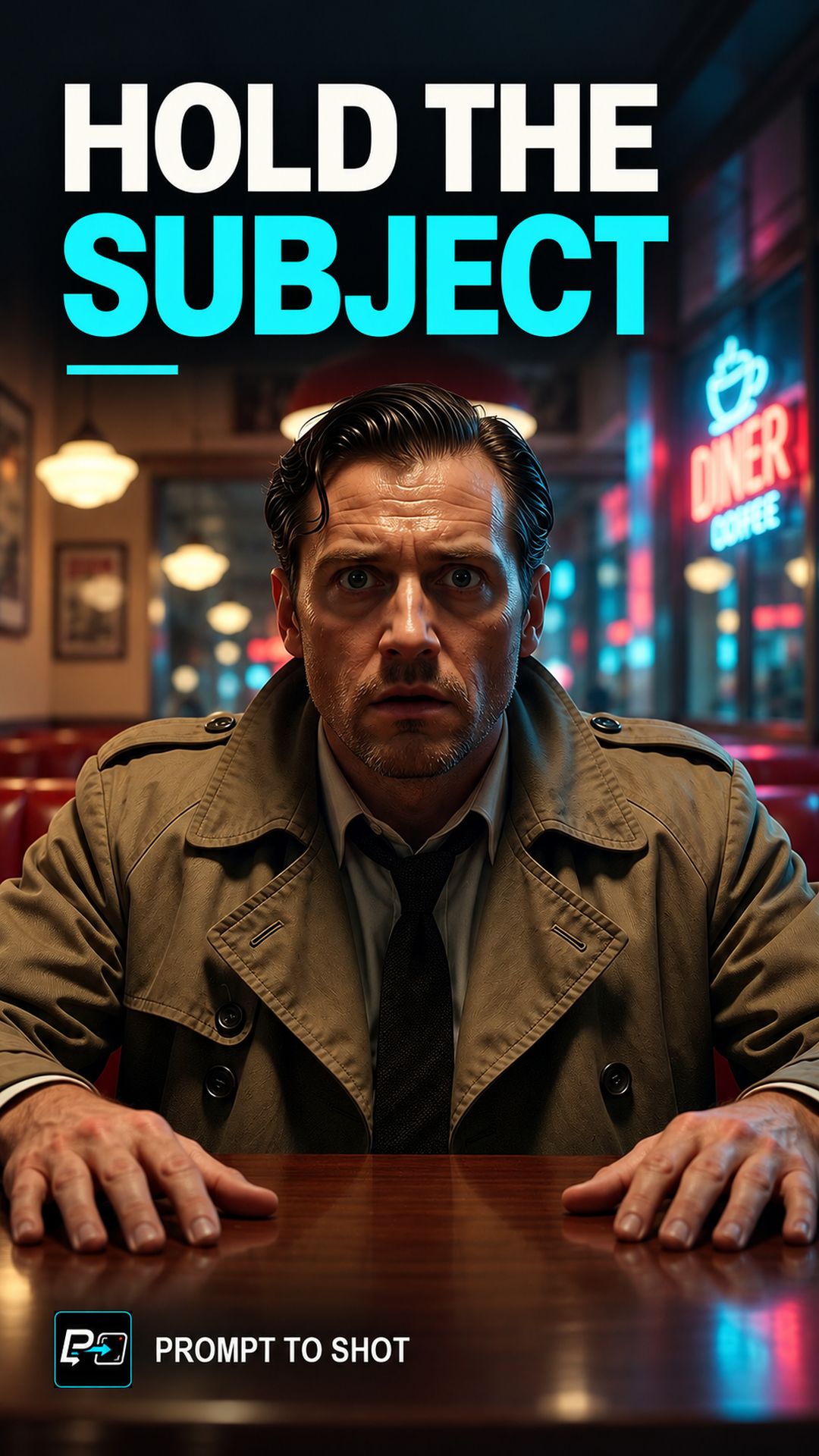
This Short compares two outputs. Model names are the labels used in the production files. In the Flow output, a coffee cup begins sharp while a clock is blurred, and focus changes. The production review treated it as the cleaner focus-plane transition, although the raw source audit noted that the camera also pushes and reframes until the cup leaves the lower frame. That is consistent with the Short’s lesson of treating focus-plane change separately from camera movement.
In the Kling output, a sharp foreground rose gives way to sharper distant ruins while the rose softens near the end. That is a differential plane change rather than only global blur. The background figure’s identity and visibility change and the geometry remains a caveat, so the reveal is described as the architecture, not as a stable person. Neither output is mathematically perfect.
For a shot where the camera is deliberately fixed for a different purpose, see Fixed-Camera Timelapse.
Example Directing Pattern for a Rack Focus
This is an example directing pattern, not the exact production prompt.
Locked camera position: no push, pan, or reframing.
Starting focus: [foreground subject] sharp, [background element] soft.
Focus change: the focus moves from [foreground subject] to [background element].
Destination: [background element] sharp, [foreground subject] softening.
Stating the camera lock first makes the focus change the only change the prompt asks for, which gives you one thing to check.
Quality Checks for Rack Focus Generations
- Camera Lock: Watch the framing for a push, drift or reframing that the prompt did not ask for.
- Plane Swap: Check the foreground and background separately through the whole transition, not only the end state.
- Landing: Confirm the destination plane is sharp at the end and that the subject itself has not changed.
Part of the AI Cinematic Effects playlist.