What Is a Hyperlapse Orbit?
A hyperlapse orbit combines two powerful cinematic techniques: temporal compression and circular camera travel. As time rushes forward—clouds racing across the sky, city crowds streaming past, shadows sweeping across the ground—the camera steadily circles a central subject that remains locked in the frame.
The resulting contrast between frantic environmental time and smooth geometric camera movement creates a hypnotic sense of scale and permanence.
Decoupling Camera Motion from Time Flow
A hyperlapse orbit asks for three things at once: a slow camera, fast time, and a locked subject. The directing principle is to separate the camera path from changes in light and environment, so the three directions do not become the same instruction.
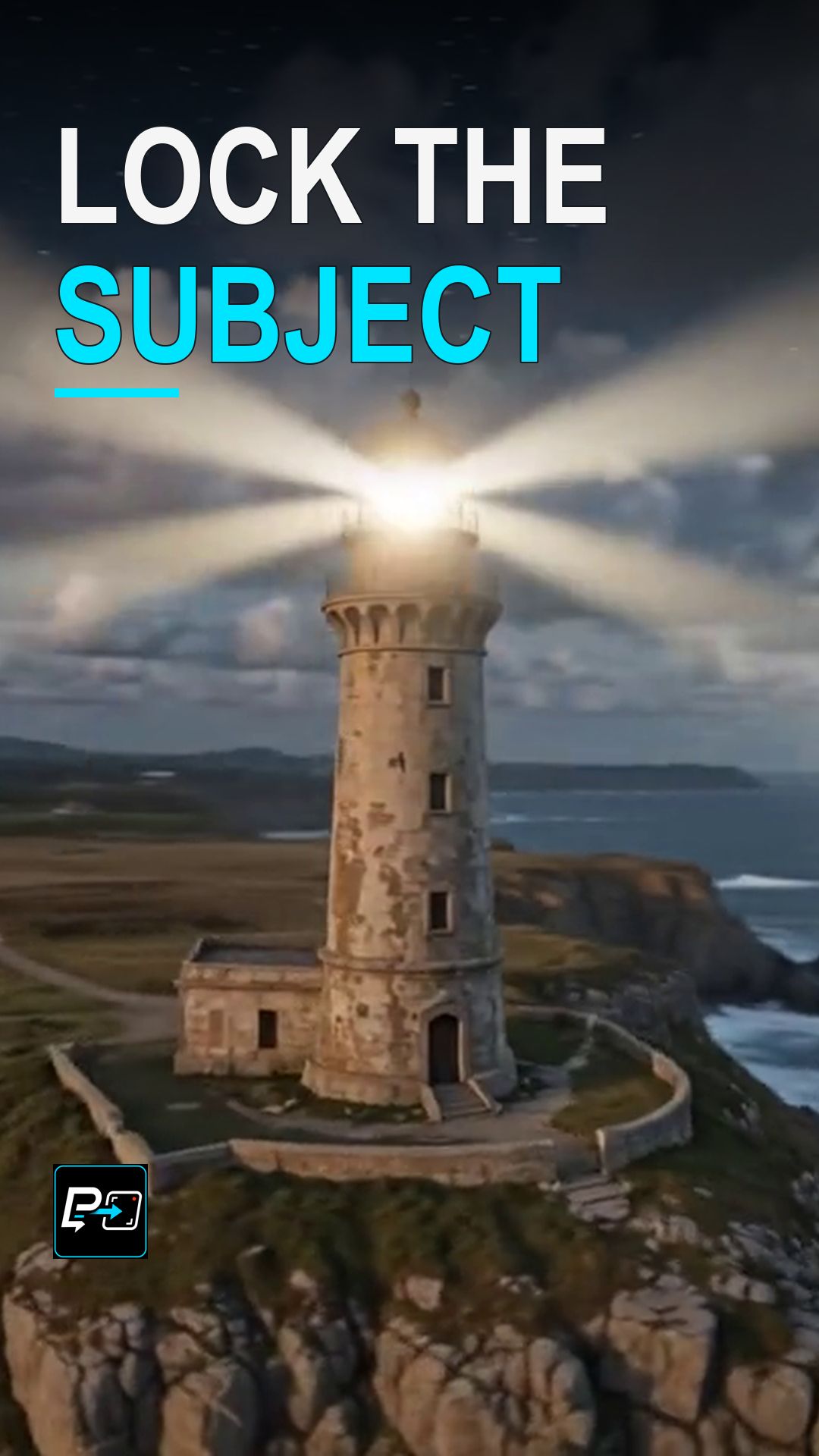
Use the subject as an anchor and check the surrounding parallax as well as the passage of time. In the selected output for this Short, the lighthouse remains near the center while the relationship between the coast and the horizon changes through sunset into night. Sky change alone does not prove an orbit, so watch the coastline parallax as well.
Example Directing Pattern for a Hyperlapse Orbit
This is an example directing pattern, not the exact production prompt.
Slow, smooth orbit around [subject], with the subject locked at the center of the frame.
[Subject] stays stationary as the anchor.
Environment in fast-forward: [light and weather changes, such as shifting clouds or day to night].
Keeping the camera instruction, the subject instruction, and the time instruction separate makes each direction clearer in the prompt.
Quality Checks for Hyperlapse Generations
- Center Pinning: Verify whether the subject drifts away from the center of rotation. A true orbit keeps the focal subject anchored without wobbling.
- Parallax Continuity: Background architectural elements should pass smoothly behind the subject with realistic depth rather than snapping or rubber-banding.
- Lighting Coherence: As shadows and clouds race across the environment, the illumination falling on the subject should dynamically correspond to the environmental light source.
Part of the AI Cinematic Effects playlist.