AI Filmmaking Short

How to Direct an AI Freeze Time Shot

Learn how to direct an AI freeze time shot where one subject keeps moving while the rest of the scene is described as suspended.

18 seconds9:16 Vertical

About This Video

What Is Freeze Time?

A freeze time shot keeps one subject moving in natural, real-time motion while the world around it is described as paused. The contrast between the moving subject and the motionless scene is the effect.

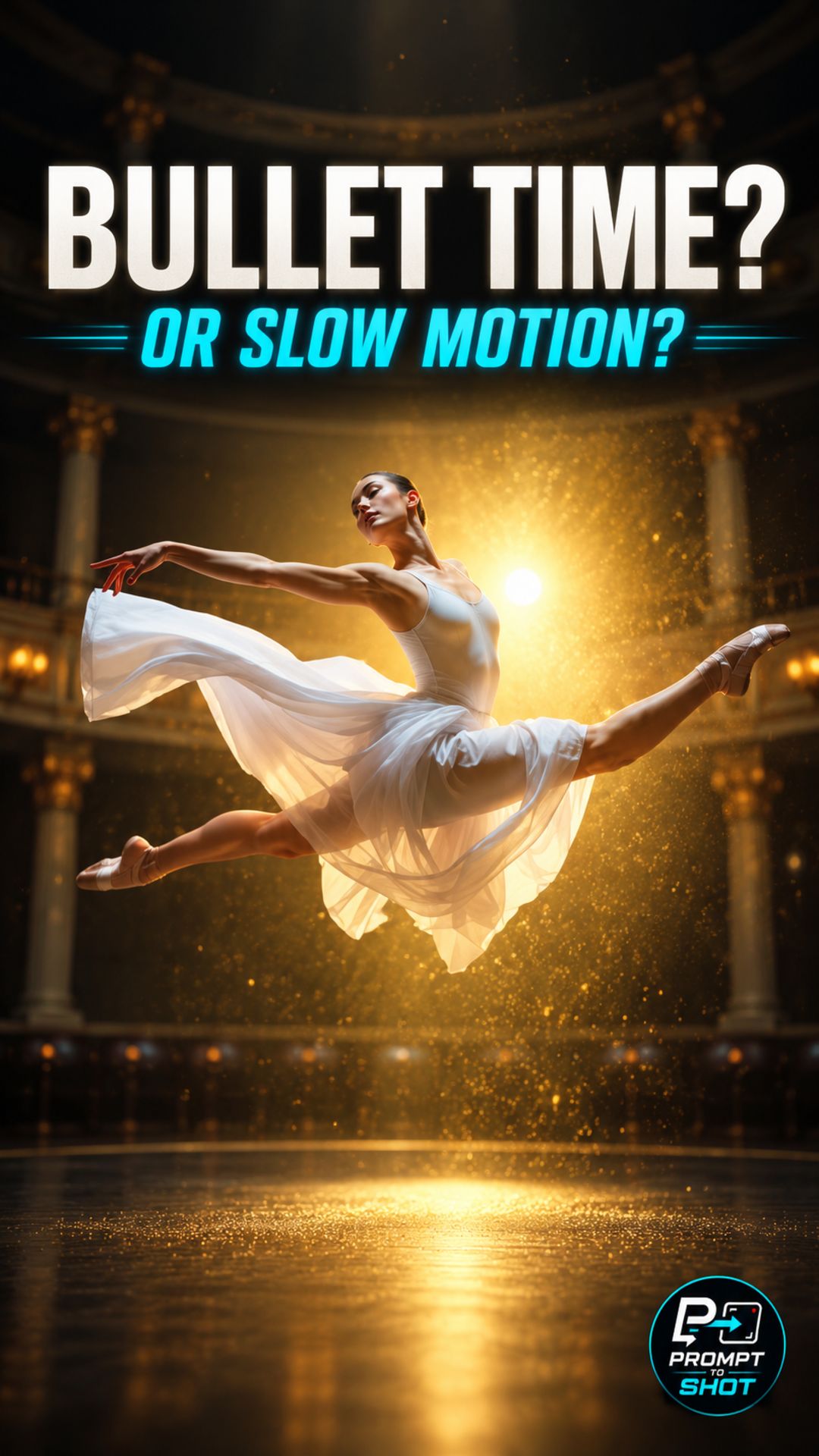
Searches for freeze time overlap with bullet time. In this Short the camera stays locked off; if the camera also orbits the frozen moment, the shot reads closer to Bullet Time.

One Moving Subject, One Frozen World

The directing principle is to name the one subject that moves and to describe the rest of the scene as suspended. The camera is described as static and locked off, so any movement in the frame comes from the subject.

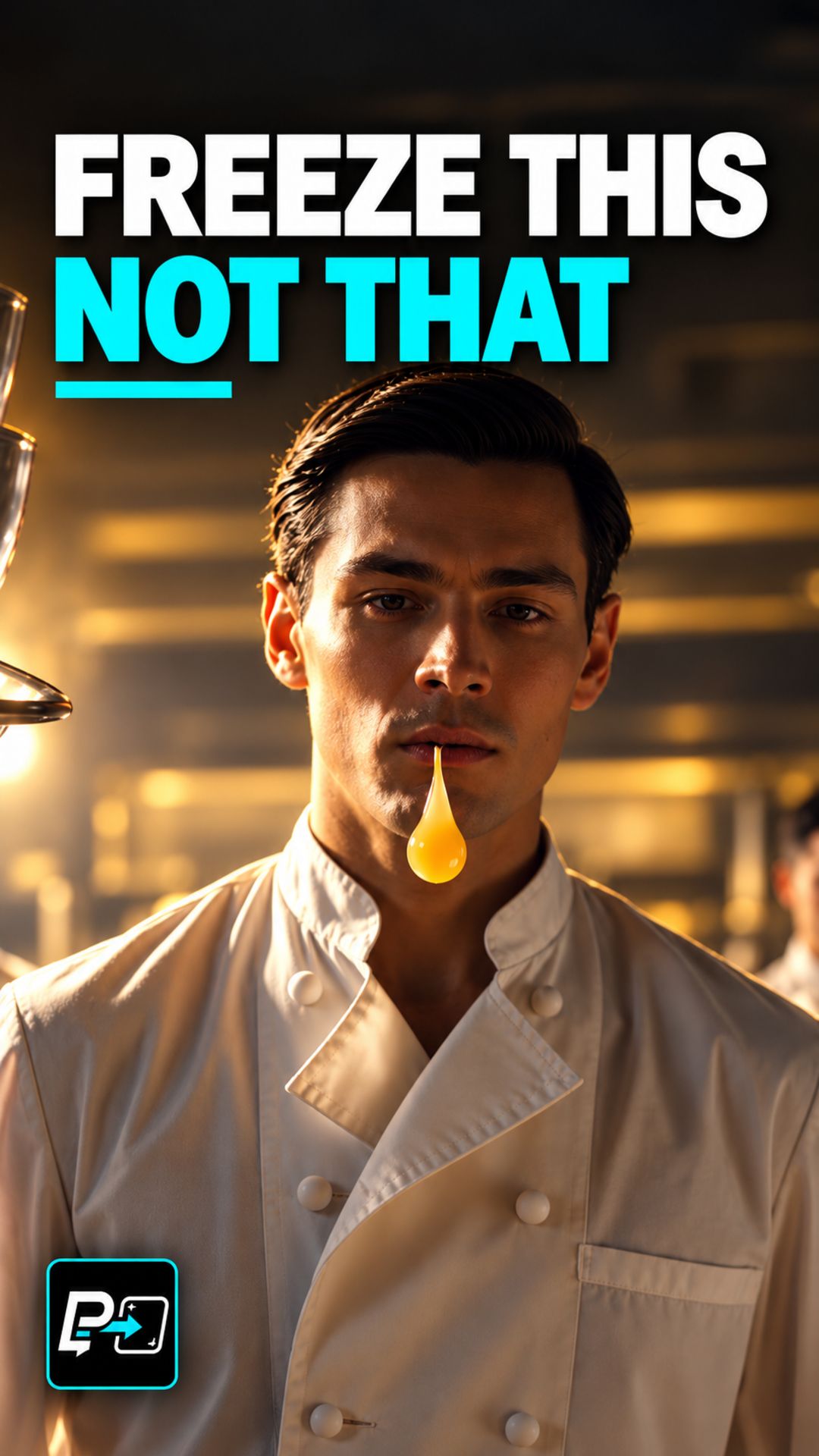
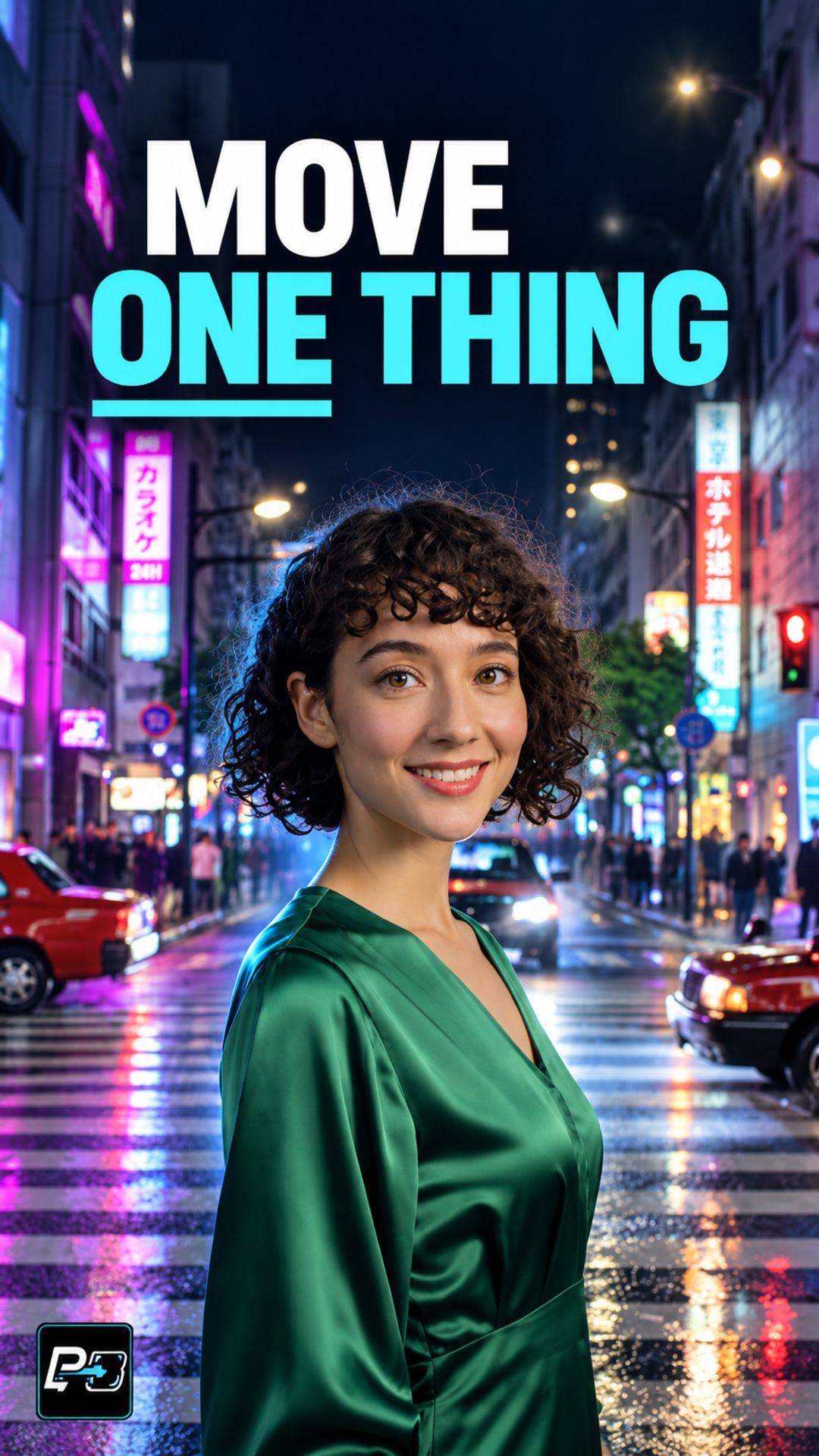
This Short compares two outputs. In the first, a woman in a café raises a cup, but fountain spray and other background activity also change, so the background motion is more apparent and it is the weaker example of a frozen world. In the second, a woman in green turns toward the camera while the surrounding taxis and crowd appear substantially more stable.

The second output shows stronger separation between the subject and the world, but it is not a perfect pixel lock, and minor background artifacts are not ruled out.

Example Directing Pattern for Freeze Time

This is an example directing pattern, not the exact production prompt.

Static, locked-off camera.
[Subject] moves in natural, real-time motion: [one deliberate action].
Everything else is suspended in time: [physical cues, such as droplets held in the air, paused strides, stationary vehicles].
The freeze is strictly temporal, with no literal ice, frost, or snow.

Naming the moving subject first and the suspended details second keeps the two directions separate in the prompt.

Quality Checks for Freeze Time Generations

  • Background Check: Compare fixed background details, such as vehicles, crowd, or water, throughout the shot, not just in the first frame.
  • Subject Isolation: Confirm that only the named subject moves and that nothing else carries the motion.
  • Literal Freeze: Look for ice, frost, or snow that the prompt did not ask for.

Part of the AI Cinematic Effects playlist.

Frequently Asked Questions

What is an AI freeze time shot?

A freeze time shot keeps one subject moving while the surrounding world is held still. In this Short, the direction is one deliberate movement inside an otherwise motionless scene.

How can the frozen world be described in the prompt?

Name the one subject that moves, then describe the rest of the scene as suspended using physical cues. The production prompts for this example used a static locked-off camera and described suspended droplets, paused strides, and frozen taxis and crowd.

Why do the prompts say the freeze is temporal and not literal?

The word freeze can be read as ice or frost. The production prompts for this example stated that the freeze is strictly temporal and excluded literal ice, frost, and snow, and the negative prompt for one of the models listed them as well.

How is freeze time different from bullet time?

As defined on this site, freeze time keeps the camera locked off while one subject moves, and bullet time adds a camera move around a frozen moment. If the camera also moves, the shot reads closer to bullet time.

Guides

Free & Premium Guides

Continue with the Free Guide for a practical reference, or go deeper with the Premium Guide for model-aware prompting and reference outputs.

Free Guide

Free Guide

  • FormatPDF
  • Length~28 pages
GET THE FREE GUIDE

Opens in a new tab. Your download access will be sent by Lemon Squeezy; close the checkout tab to return here.

Premium Guide

Premium Guide

  • FormatPDF, MP4
  • Length~58 pages
  • Price$14.99 USD
  • 25 effects and technique explanations
  • Model-aware prompting (Gemini, Google Flow, Kling AI)
  • 75 Reference videos (MP4)
  • Language editions: EN, FR, ES, DE, JA, PT-BR
GET THE PREMIUM GUIDE — $14.99 USD

Series

AI Cinematic Effects

Practical Shorts on cinematic effects for AI video — covering motion, timing, perspective, and camera behavior effect by effect.