AI Filmmaking Short

How to Direct an AI Selective Freeze Time Shot

Learn how to direct an AI selective freeze time shot where the camera follows a moving hero while the surrounding world is described as suspended.

20 seconds9:16 Vertical

About This Video

What Is Selective Freeze Time?

Selective freeze time keeps a hero moving while the surrounding world is described as suspended in time. Two regions have to be explicit: a hero that can move, and surroundings that remain frozen.

A moving camera makes that separation harder to preserve through the shot. For a related freeze time Short, see Freeze Time.

Follow the Hero, Freeze the World

The directing principle is to give the hero’s movement, the camera route, and the frozen details their own instructions, rather than describing them as one general scene.

This Short compares two outputs. Model names are the labels used in the production files. In the Flow 2 output, the camera tracks through a market toward suspended oranges, but pedestrians also change while selected objects hang, so it is the weaker diagnostic example with more residual environmental motion.

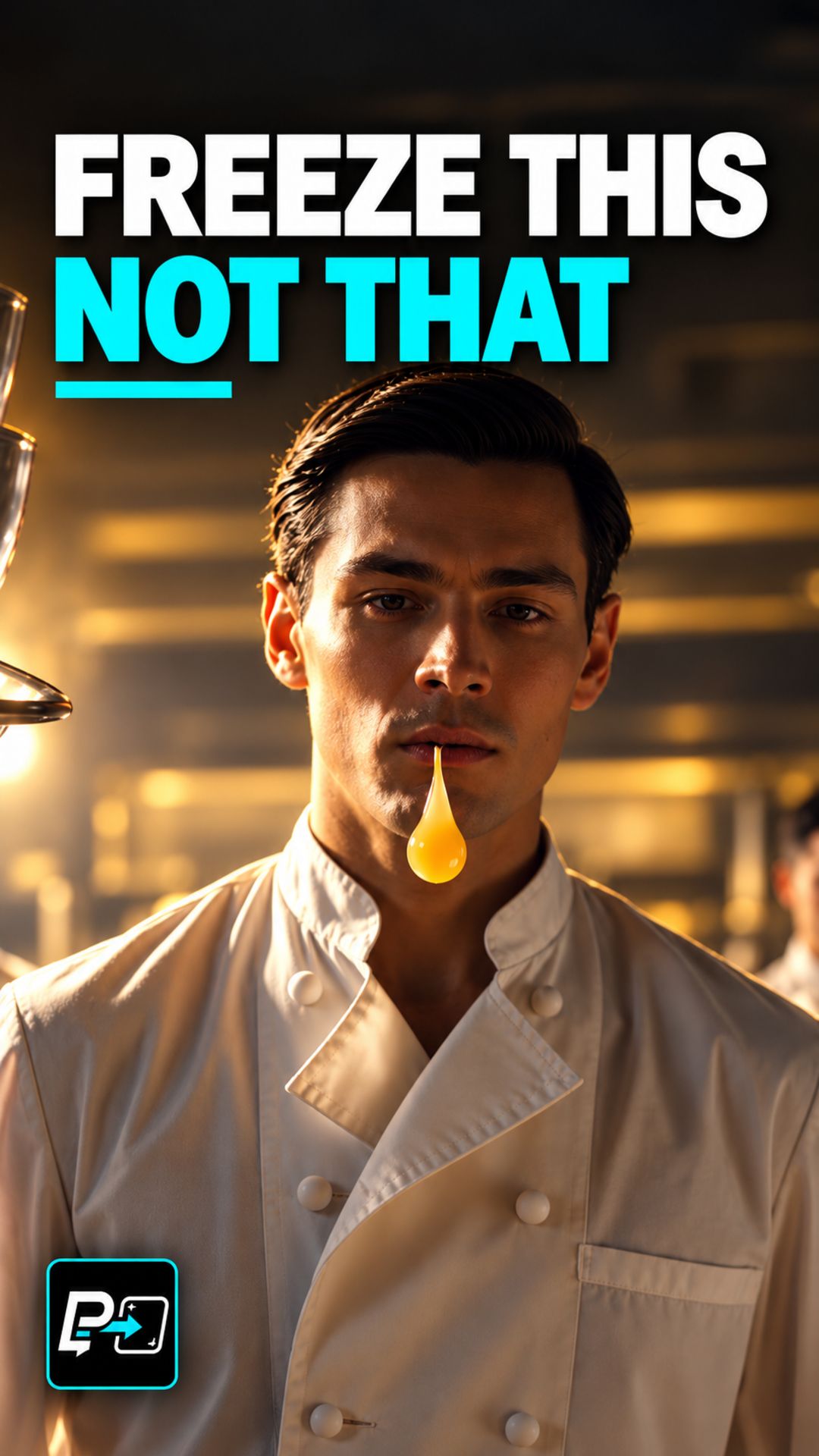
In the Kling output, a chef advances and reaches beside suspended liquid and utensils, while the surrounding chefs appear comparatively stable. It is the stronger selective-freeze interpretation of the two, but neither output is perfectly or mathematically frozen, and residual human and background motion remains a question for human review.

Example Directing Pattern for Selective Freeze Time

This is an example directing pattern, not the exact production prompt.

[Hero] moves in natural, real-time motion: [specific action].
Camera route: [how the camera follows the hero, such as tracking alongside or approaching].
Frozen details: [named objects and people held in suspension, such as droplets in mid-air or bystanders mid-stride].
Everything not named as moving stays suspended for the whole shot.

Naming the frozen details gives you specific things to check afterwards.

Quality Checks for Selective Freeze Time Generations

  • Whole-Shot Check: Inspect the background people and objects throughout the generation. One striking suspended object does not settle the question.
  • Hero Versus World: Confirm that the hero is the intended source of the motion and that the named frozen details stay suspended around it.
  • Camera Route: A moving camera makes the separation harder to preserve, so watch the frozen details at the end of the route as well as the start.

Part of the AI Cinematic Effects playlist.

Frequently Asked Questions

What is AI selective freeze time?

It needs two explicit regions: a hero that can move and surroundings that remain suspended. In this Short the camera also moves, which makes that separation harder to preserve through the shot.

How should the prompt be structured?

Specify the hero's movement, the camera route, and the frozen details separately. The teaching in this Short is follow the hero, freeze the world: the camera follows the hero while every surrounding action is described as suspended.

What did the two outputs in this Short show?

In the Flow 2 output the camera tracks through a market toward suspended oranges, but pedestrians also change, so it is the weaker diagnostic example with more residual environmental motion. In the Kling output a chef advances beside suspended liquid and utensils while the surrounding chefs appear comparatively stable. Neither output is perfectly or mathematically frozen.

Does one suspended object show that the whole background stayed still?

No. A striking suspended object does not establish that every background action stayed still. Check the frozen details throughout the generation, not only in a single frame.

Guides

Free & Premium Guides

Continue with the Free Guide for a practical reference, or go deeper with the Premium Guide for model-aware prompting and reference outputs.

Free Guide

Free Guide

  • FormatPDF
  • Length~28 pages
GET THE FREE GUIDE

Opens in a new tab. Your download access will be sent by Lemon Squeezy; close the checkout tab to return here.

Premium Guide

Premium Guide

  • FormatPDF, MP4
  • Length~58 pages
  • Price$14.99 USD
  • 25 effects and technique explanations
  • Model-aware prompting (Gemini, Google Flow, Kling AI)
  • 75 Reference videos (MP4)
  • Language editions: EN, FR, ES, DE, JA, PT-BR
GET THE PREMIUM GUIDE — $14.99 USD

Series

AI Cinematic Effects

Practical Shorts on cinematic effects for AI video — covering motion, timing, perspective, and camera behavior effect by effect.