What Is an Infinite Zoom Out?
An infinite zoom out keeps pulling back so that each wider view contains the world you just left. The effect reads as convincing when that containment is visible, not merely because the pull-back is long.
A long digital pull-back on its own does not establish that the worlds fit together.
Plan the Geography, Nest Every World
The directing principle is to plan the geography and the scale transitions before writing the prompt. Decide what each wider view contains, and make every new world contain the last one.
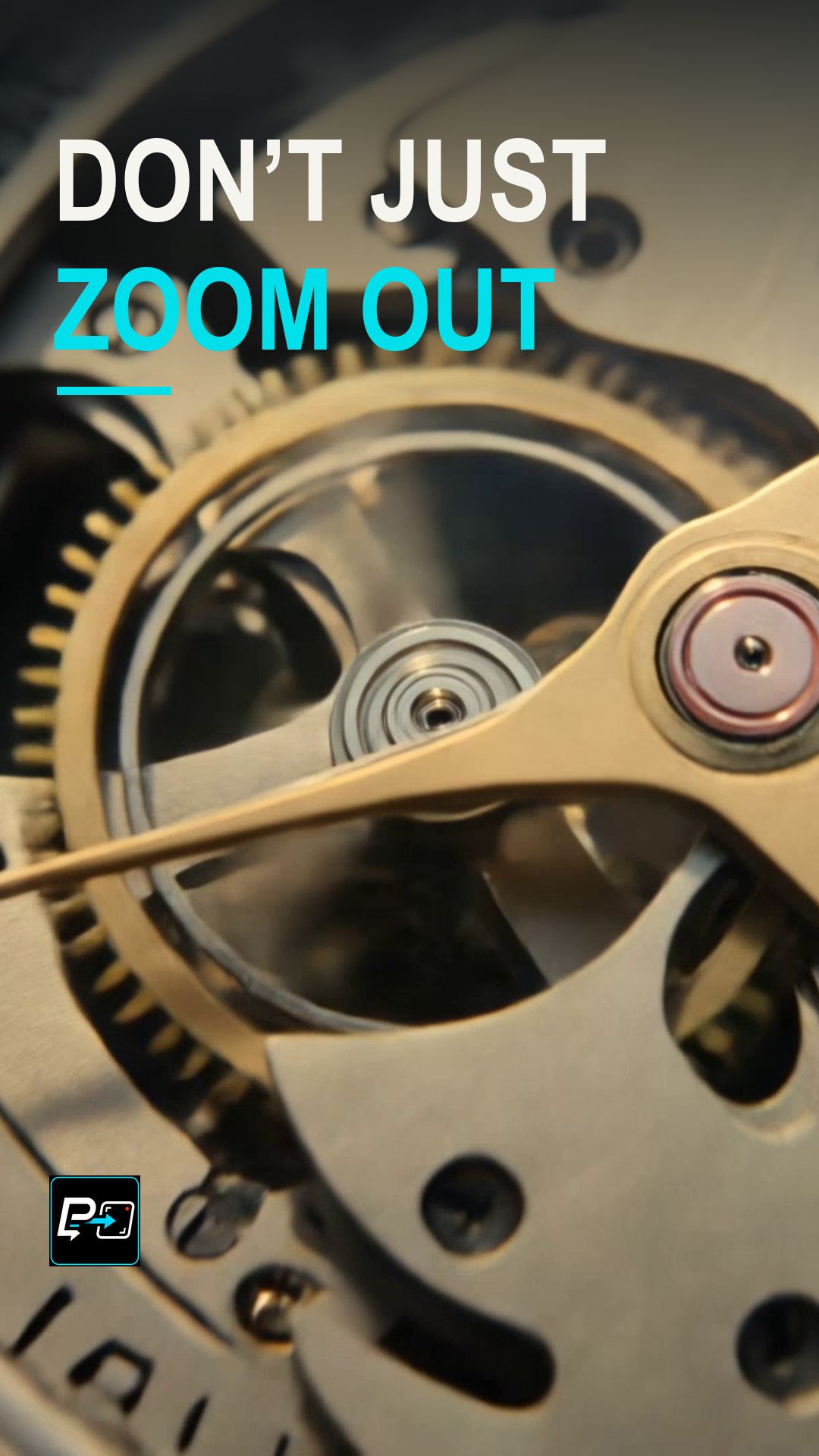
In the selected output for this Short, labelled Kling in the production files, a gear leads to a watch on a workbench, a watchmaker, a shopfront, a building and a Paris-wide view. The production review found it the most readable chain of containment among the three archived generations. Late city geometry still drifts, and the human review accepted it as stylized and approximate. This page makes no claim of perfect nested geometry.
Two other outputs were not selected. The Flow output moved from an iris to a woman, a rooftop restaurant, a building and a city, and a late high aerial change around 9 seconds weakened the nesting. The Gemini output moved from a droplet to a leaf, a jungle, an island and a globe, with a strong contrast in scale but a change of geography at large boundaries.
For a camera that circles an anchor, see the Hyperlapse Orbit Short, and for a long route through one world, see Long Translation Hyperlapse.
Example Directing Pattern for an Infinite Zoom Out
This is an example directing pattern, not the exact production prompt.
Start: [smallest scene or object], held in close view.
Scale step 1: the camera pulls back to reveal [the larger space that contains it].
Scale step 2: it pulls back again to reveal [the next larger space], with [landmark from step 1] still visible inside it.
Final view: [widest world], containing every earlier scene.
Naming the container for each step gives you something definite to check at every reveal.
Quality Checks for Infinite Zoom Out Generations
- Containment: At each reveal, check that the wider view contains the previous scene.
- Connected Landmarks: Look for landmarks that carry across steps instead of scenery that is simply replaced.
- Final View: A spectacular final view does not establish that the intermediate worlds fit together.
Part of the AI Cinematic Effects playlist.