What Is a Long Translation Hyperlapse?
A long translation hyperlapse moves the camera a long way in a consistent direction while time compresses. It passes through several zones, and the route has to stay understandable across that distance.
Speed alone cannot connect spaces whose geometry keeps changing.
Map the Route, Accelerate Time, Never Break the Path
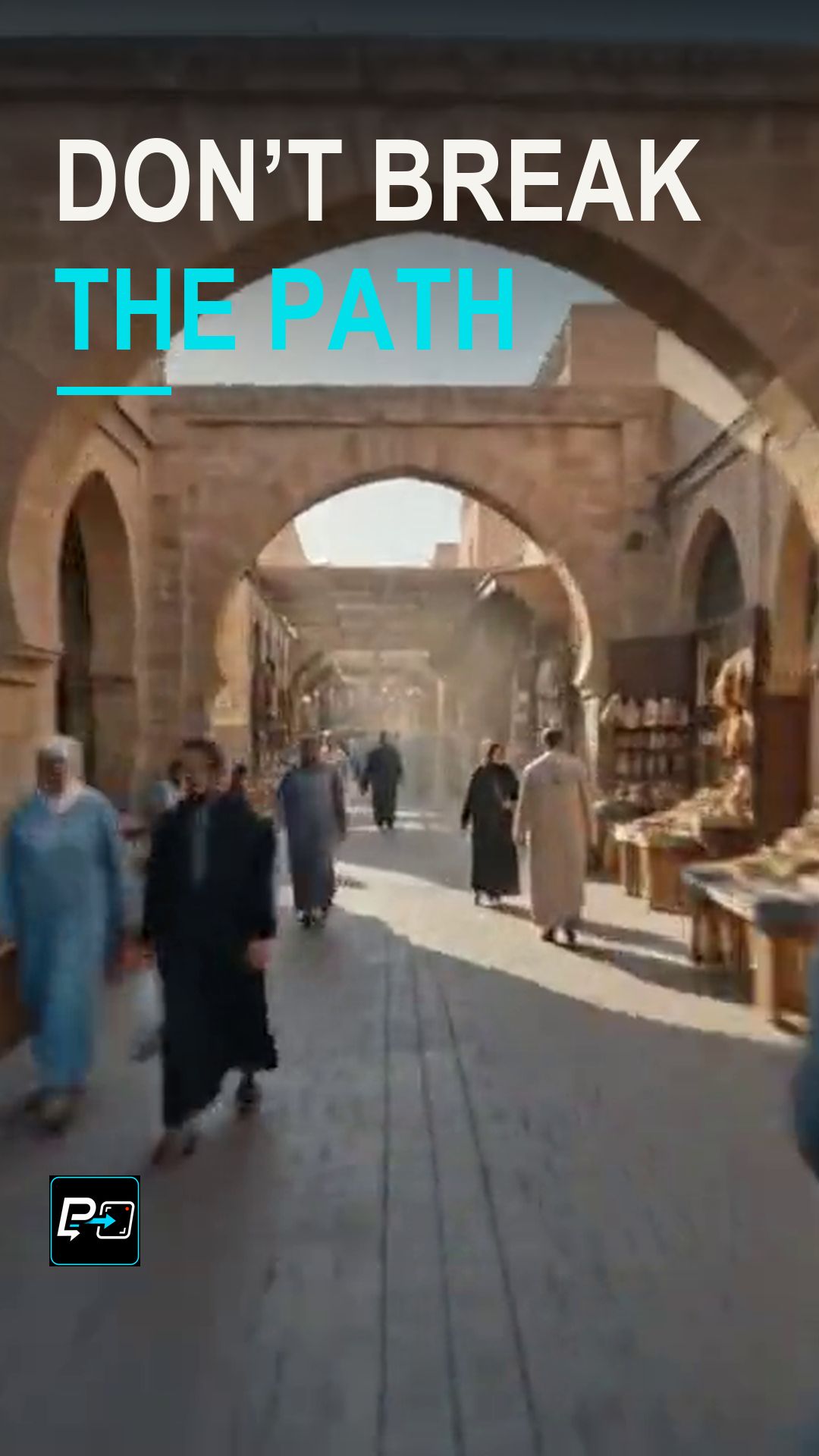
The directing principle is to map the direction and the places the camera should pass through. Then inspect arches, occlusions and changes of light for hidden jumps, keeping enough peripheral context to judge whether the route still connects.
In the selected output for this Short, labelled Gemini in the production files, a forward route through a market passes an arch and a covered lantern market before opening to a square as time changes. The human native-speed review found the route from market through arches and passages to an open area and waterfront sufficiently continuous for this lesson. Occlusions around the arches may conceal small generative changes, and this page makes no claim of continuous physical architecture.
Two other outputs were not selected. The Flow output moved from a station platform through barriers and an escalator to a city, and abrupt geometry and camera-height changes around the barriers and stairs weakened its route continuity. The Kling output stayed mostly along one medieval street with repeated or shifted architecture, and showed a less distinct progression between zones. These observations apply only to these archived generations.
For a camera that circles an anchor, see the Hyperlapse Orbit Short, and for a short slide combined with accelerated time, see Motion Timelapse.
Example Directing Pattern for a Long Translation Hyperlapse
This is an example directing pattern, not the exact production prompt.
Route: the camera travels forward from [start zone] through [passage or arch] into [second zone] and out to [final zone].
Time: time compresses as [light / crowd / weather] changes along the route.
Context: keep [street edges / walls] visible at the sides so the direction stays readable.
Naming the zones in order gives you a route to check afterwards.
Quality Checks for Long Translation Hyperlapse Generations
- Occlusions: Watch arches and passages for changes that may be hidden behind them.
- Changes of Light: Check that the light changes along the route without breaking the geometry.
- Peripheral Context: Keep enough of the sides of the frame to judge whether the route still connects.
Part of the AI Cinematic Effects playlist.