What Is a Motion Timelapse?
A motion timelapse combines accelerated environmental time with a controlled camera move. The world changes quickly while the camera travels slowly.
Changing clouds or lighting alone does not show whether the camera path works.
Slide Slowly, Accelerate the World, Layer the Depth
The directing principle is to separate slow camera travel from fast changes in the world, and to include foreground and background layers. Then compare the relative displacement of those layers at normal playback speed to judge depth and path coherence.
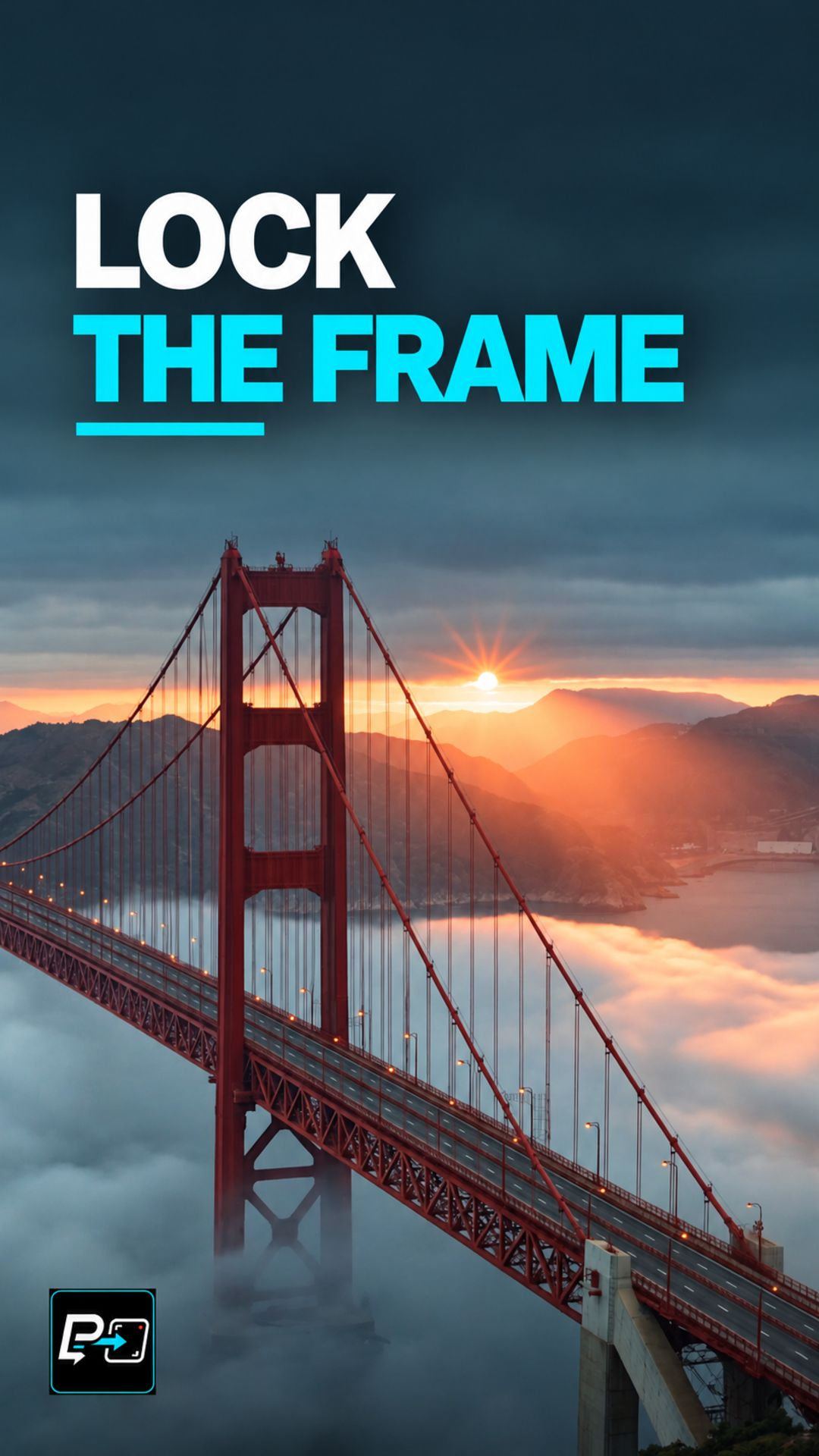
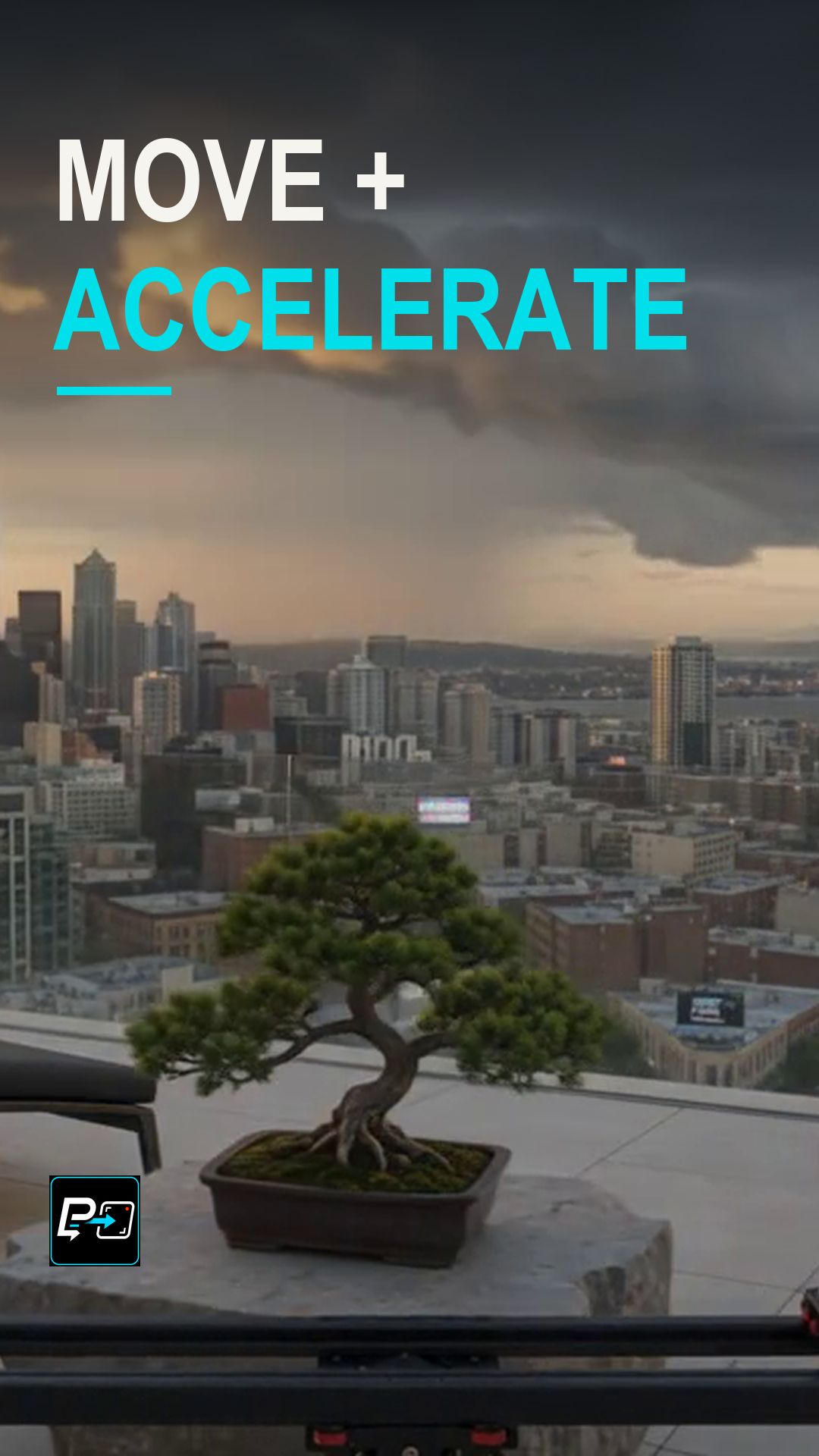
This Short compares two outputs. Model names are the labels used in the production files. In the Kling output, a car sits by cliffs while fog and light change. Some camera displacement exists but is less legible than the environmental change, so the production notes caution against calling it perfectly static. In the Gemini output, a rooftop chair and bonsai sit against a skyline as clouds move fast and dusk turns to night. Near objects change position more than the distant skyline, and the foreground later exits the frame.
The human decision was that the Kling and Gemini comparison teaches camera-path stability during accelerated environmental time. This page makes no claim of a mathematically perfect linear slider path.
A third output, labelled Flow, was not selected. It showed burned-in camera-like text early and a rising, forward path closer to a drone or orbit than a simple slider.
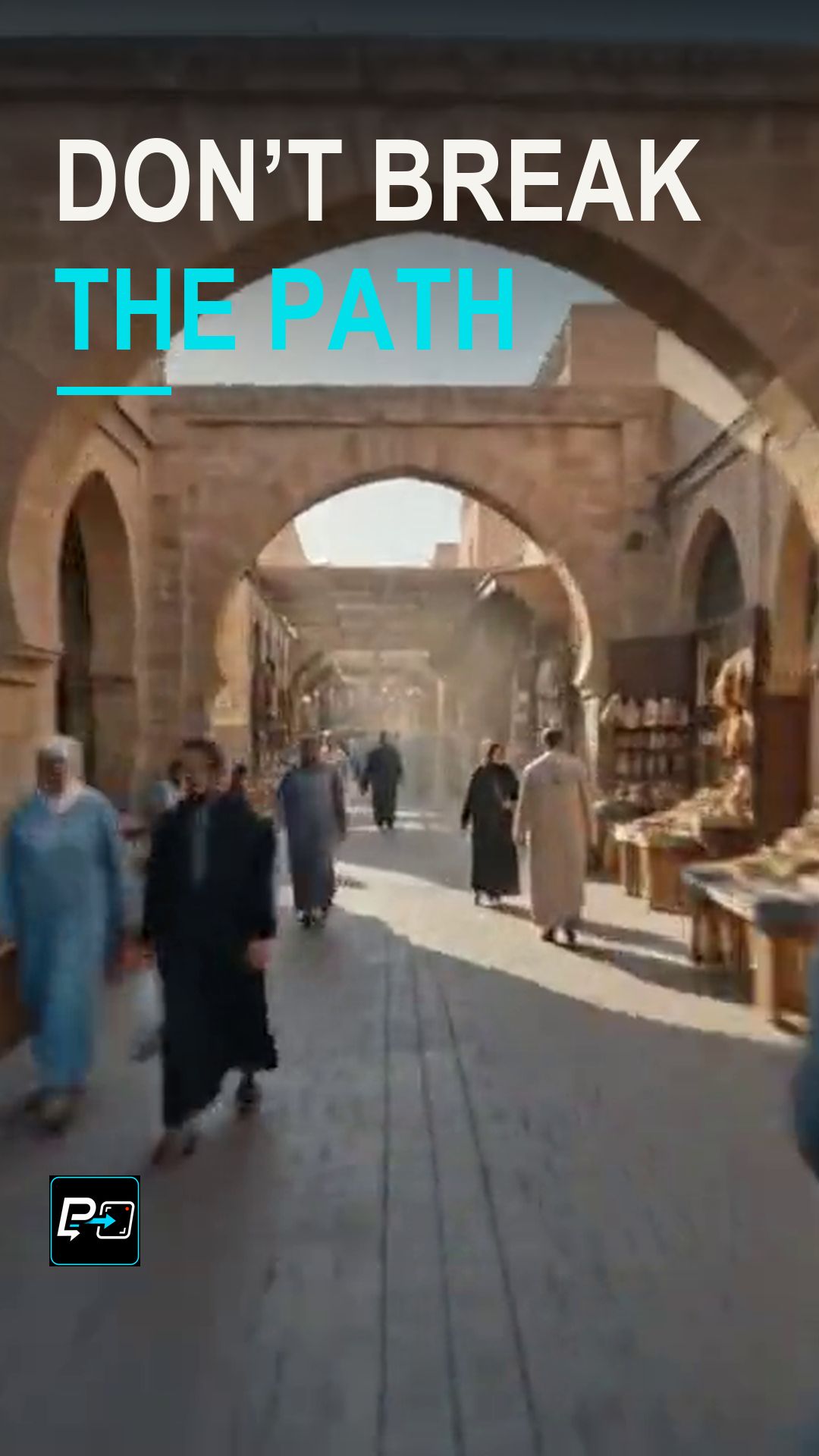
For a locked camera, see the Fixed-Camera Timelapse Short, and for a camera that circles an anchor, see Hyperlapse Orbit.
Example Directing Pattern for a Motion Timelapse
This is an example directing pattern, not the exact production prompt.
Camera: a slow, smooth [slide / lateral move], steady throughout.
World: time accelerates, with [clouds / light / fog] changing quickly.
Depth: [foreground object] close to the camera and [distant background] far from it.
Giving the camera and the world separate lines lets you judge each of them at normal speed.
Quality Checks for Motion Timelapse Generations
- Camera or World: Check whether the camera visibly travels, or whether only the environment changes.
- Relative Displacement: Compare how far the foreground and the background move at normal playback speed.
- Path Coherence: Watch for a foreground that leaves the frame, or a path that turns into something other than a slow slide.
Part of the AI Cinematic Effects playlist.