AI Filmmaking Short

How to Direct an AI Whip Pan Transition

Direct a readable start, a blurred crossover, and a controlled stop to help hide a scene change inside directional motion blur in AI video.

20 seconds9:16 Vertical

About This Video

What Is a Whip Pan Transition?

A whip pan—also called a swish pan—is an energetic camera move where the camera pivots so rapidly on its axis that the scene dissolves into dynamic horizontal motion streaks.

In traditional cinema, directors and editors use whip pans to help hide transitions between two different locations or time periods. Joining two scenes at the moment of maximum blur gives the cut somewhere to hide.

Start, Blur, Snap

In generative AI video, a whip pan can be judged on three beats: start, blur, and snap. The approved description is to direct a readable start, a blurred crossover, and a controlled stop.

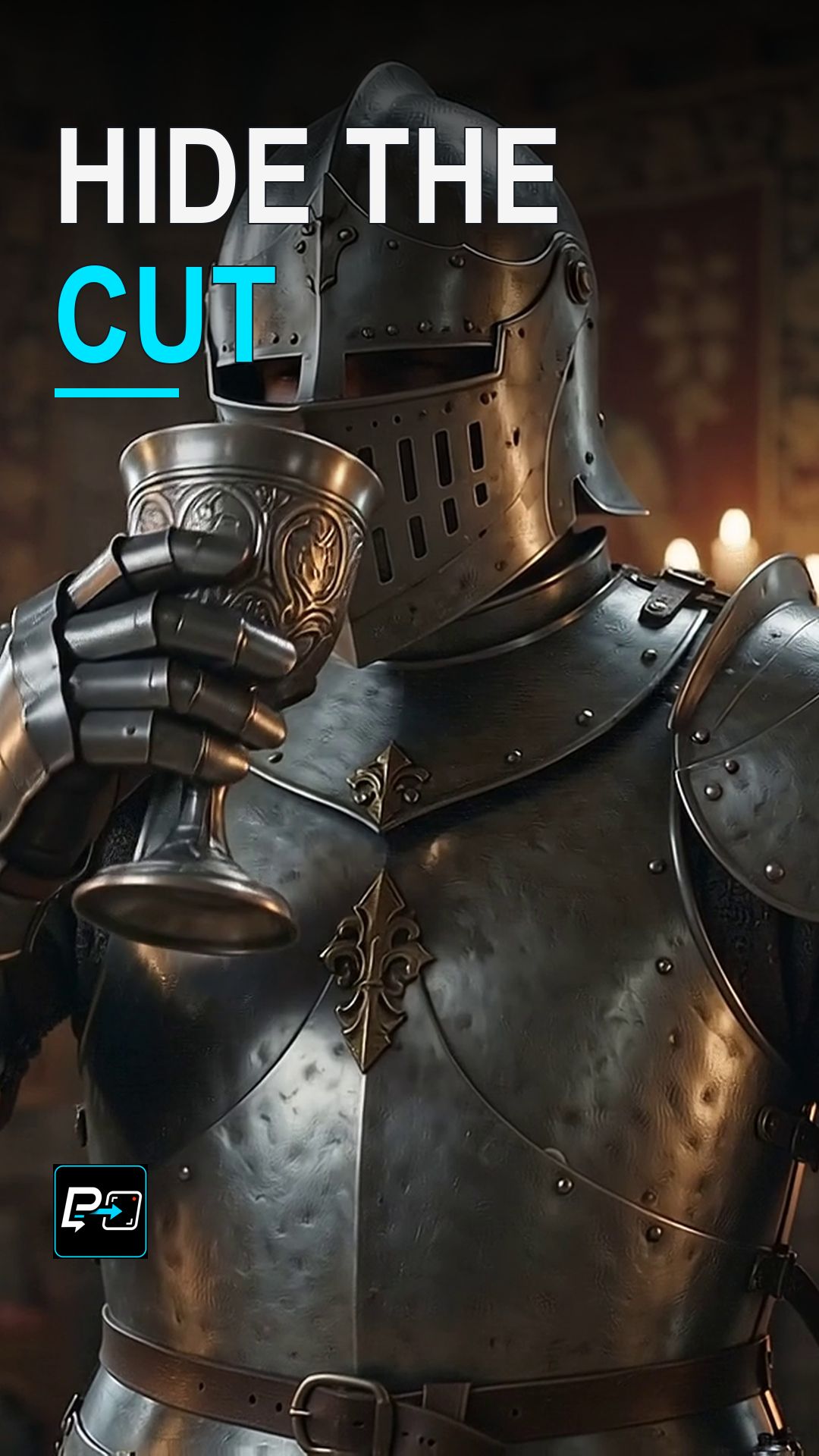
Sharpness during the crossover gives the cut nowhere to hide. In the selected output for this Short, the change between the two scenes has legible endpoints and directional smear. Watching the transition at normal speed is still the real test, because sampled blur does not by itself prove that a cut is hidden.

Example Directing Pattern for a Whip Pan

This is an example directing pattern, not the exact production prompt.

Scene A: [a readable starting shot], camera static.
A fast whip pan to the [left or right], with directional motion blur across the frame.
Scene B: [a different readable shot], arriving with a controlled stop.

Naming the start, the blurred crossover, and the stop makes the intended motion clearer in the prompt.

Diagnostic Checklist for Whip Pan Clips

  • Start: Is the first scene readable before the pan begins?
  • Blur: Does directional motion blur cover the crossover, rather than the image staying sharp through the change?
  • Snap: Does the camera come to a controlled stop on a readable second scene? Review the whole transition at normal speed, not only the endpoints.

Part of the AI Cinematic Effects playlist.

Frequently Asked Questions

What makes a whip pan transition work?

Three beats: start, blur, snap. Direct a readable start, a blurred crossover, and a controlled stop. If the image stays sharp during the crossover, the cut has nowhere to hide.

Why review the crossover and not just the two scenes?

The transition is the point of the effect. Review the transition between the two scenes rather than judging only the endpoints, and watch the crossover at normal speed. Sampled frames that show blur do not by themselves prove that the cut is hidden.

Where does the cut sit in a whip pan?

Inside the blurred crossover. A whip pan helps hide the scene change inside directional motion blur: the first scene starts readable, the camera whips across, and the second scene arrives with a controlled stop. In the selected output for this Short, the change between the two scenes has legible endpoints and directional smear.

How is a whip pan different from a crash zoom?

A whip pan pivots the camera quickly so the frame smears with directional motion blur, which helps hide a transition. A crash zoom changes focal length instead, with the camera position staying fixed.

Guides

Free & Premium Guides

Continue with the Free Guide for a practical reference, or go deeper with the Premium Guide for model-aware prompting and reference outputs.

Free Guide

Free Guide

  • FormatPDF
  • Length~28 pages
GET THE FREE GUIDE

Opens in a new tab. Your download access will be sent by Lemon Squeezy; close the checkout tab to return here.

Premium Guide

Premium Guide

  • FormatPDF, MP4
  • Length~58 pages
  • Price$14.99 USD
  • 25 effects and technique explanations
  • Model-aware prompting (Gemini, Google Flow, Kling AI)
  • 75 Reference videos (MP4)
  • Language editions: EN, FR, ES, DE, JA, PT-BR
GET THE PREMIUM GUIDE — $14.99 USD

Series

AI Cinematic Effects

Practical Shorts on cinematic effects for AI video — covering motion, timing, perspective, and camera behavior effect by effect.