What Is a Steadicam Long Take?
A Steadicam long take, also called an oner, follows a subject through a space in one continuous shot with no cuts. The camera glides with a stable relationship to the subject, and the route through the space is part of the design.
In AI video, smooth movement is not enough. The route also has to make sense from one space to the next.
Map the Route, Lock the Glide, Keep It Unbroken
The directing principle is to plan the route before describing the glide. Map the path through each doorway, describe how the camera follows the subject, and then check that the shot stays continuous without a jump or a hidden transition.
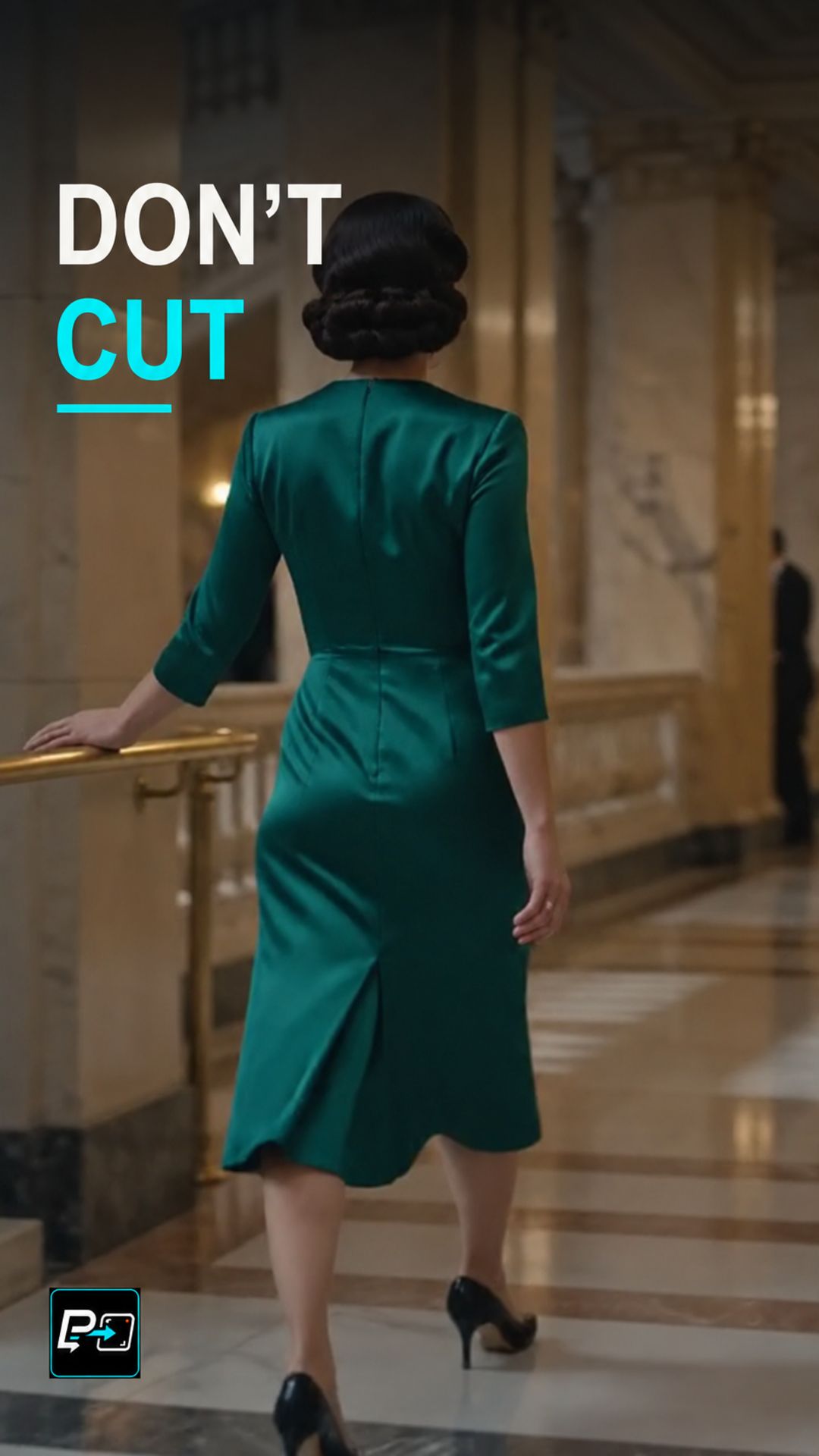
In the selected output for this Short, labelled Gemini in the production files, the camera follows a woman in green from a ballroom through a doorway into a corridor, with a turn along the way. Extras passing in front of the camera and the doorway geometry needed continuity inspection. The production review accepted the movement and the doorway transition as sufficiently continuous for this lesson, but not as proof of physical architectural continuity.
Two other outputs were not selected. A steady forward follow in a glass corridor added little compared with a doorway transition, and a mostly straight backward-tracking walk down a street was a different walk rather than a stronger route-planning lesson.
For another continuous camera path, see the Pass-Through Short.
Example Directing Pattern for a Steadicam Long Take
This is an example directing pattern, not the exact production prompt.
One continuous Steadicam-style shot, no cuts.
Route: the camera starts in [first space], follows [subject] through [doorway or opening], and into [second space].
Glide: smooth, stable movement that keeps [subject] at a steady distance from the camera.
Continuity: no jumps and no hidden transitions along the route.
Describing the route in order, space by space, makes each connection something you can check afterwards.
Quality Checks for Long Take Generations
- Occlusions: Watch people or objects that pass in front of the camera and check that the shot continues cleanly behind them.
- Direction Changes: Review turns and doorway crossings at normal speed and look for any jump in direction or geometry.
- Route Clarity: Check that the viewer can understand how each space connects to the next without a hidden transition.
Part of the AI Cinematic Effects playlist.