AI Filmmaking Short

How to Simulate a Snorricam Shot in AI Video

Explore how to lock the camera to an actor's body in AI video, keeping the face rigidly centered while the background shifts dynamically.

18 seconds9:16 Vertical

About This Video

What Is a Snorricam Shot?

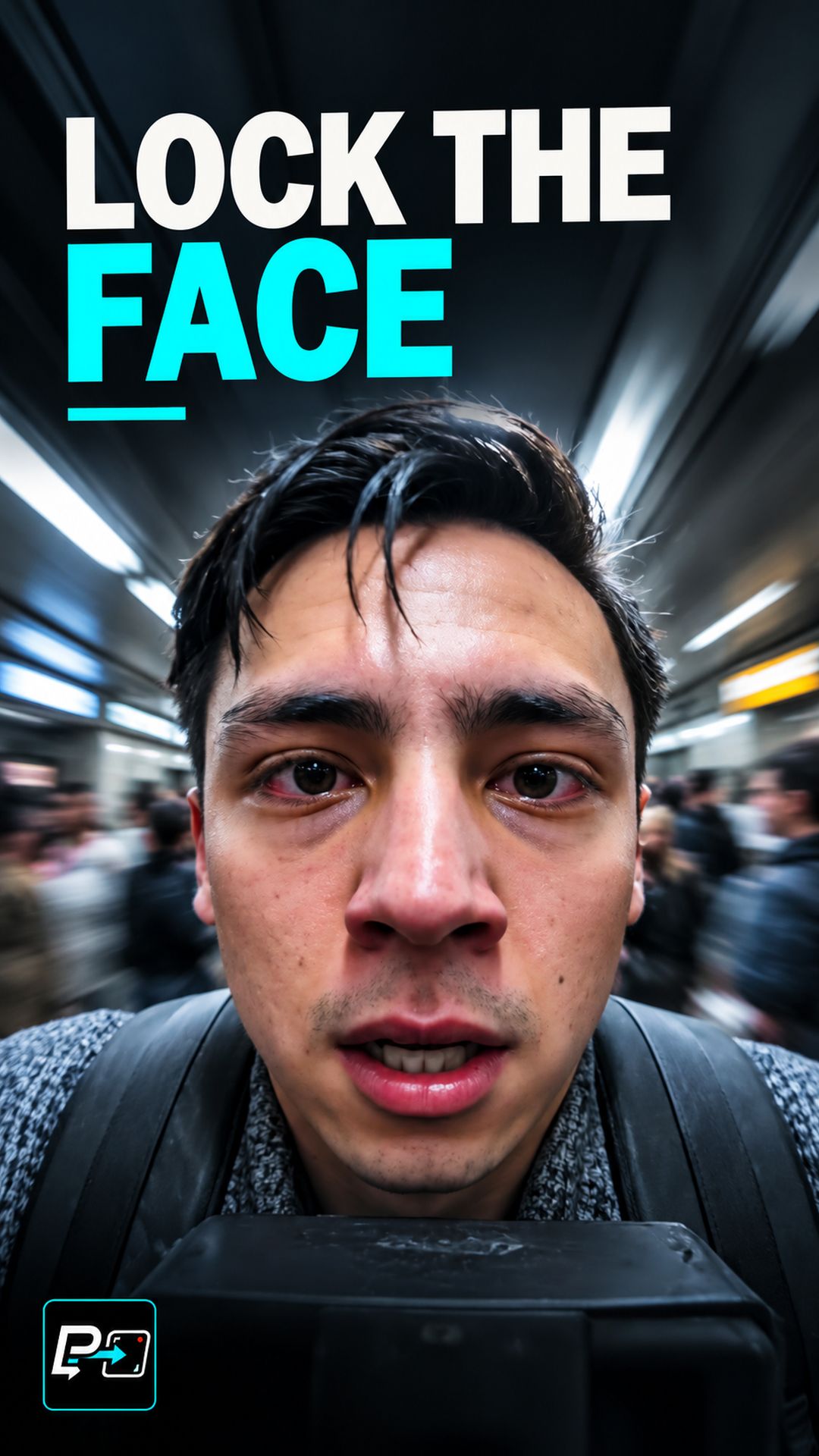
A Snorricam is a camera technique where the camera is attached to the subject’s body and pointed at their face. The result is a shot where the face stays locked in frame while the world around the subject moves — because the camera moves with them.

The effect produces a distinct visual quality: the subject appears still relative to the camera while the environment shifts, tilts, and reacts around them. This creates a sense of psychological focus or disorientation depending on how it is used.

The One-Test Rule

Watch the face. In a correct Snorricam simulation, the face stays at the same position in frame from the first frame to the last. It does not drift when the subject turns, accelerates, or reacts. The face is the anchor point.

If the face moves within the frame — even slightly — the camera is not moving with the subject. It is tracking from an external position instead.

What the Prompt Structure Looks Like

Camera is body-mounted, fixed to the subject, pointed at their face.
Face remains centered and stable in frame throughout.
Environment and background shift and move around the subject.
Camera does not track from an external position.

The instruction “camera does not track from an external position” is a constraint that helps prevent the most common failure mode.

Observed Failure Patterns

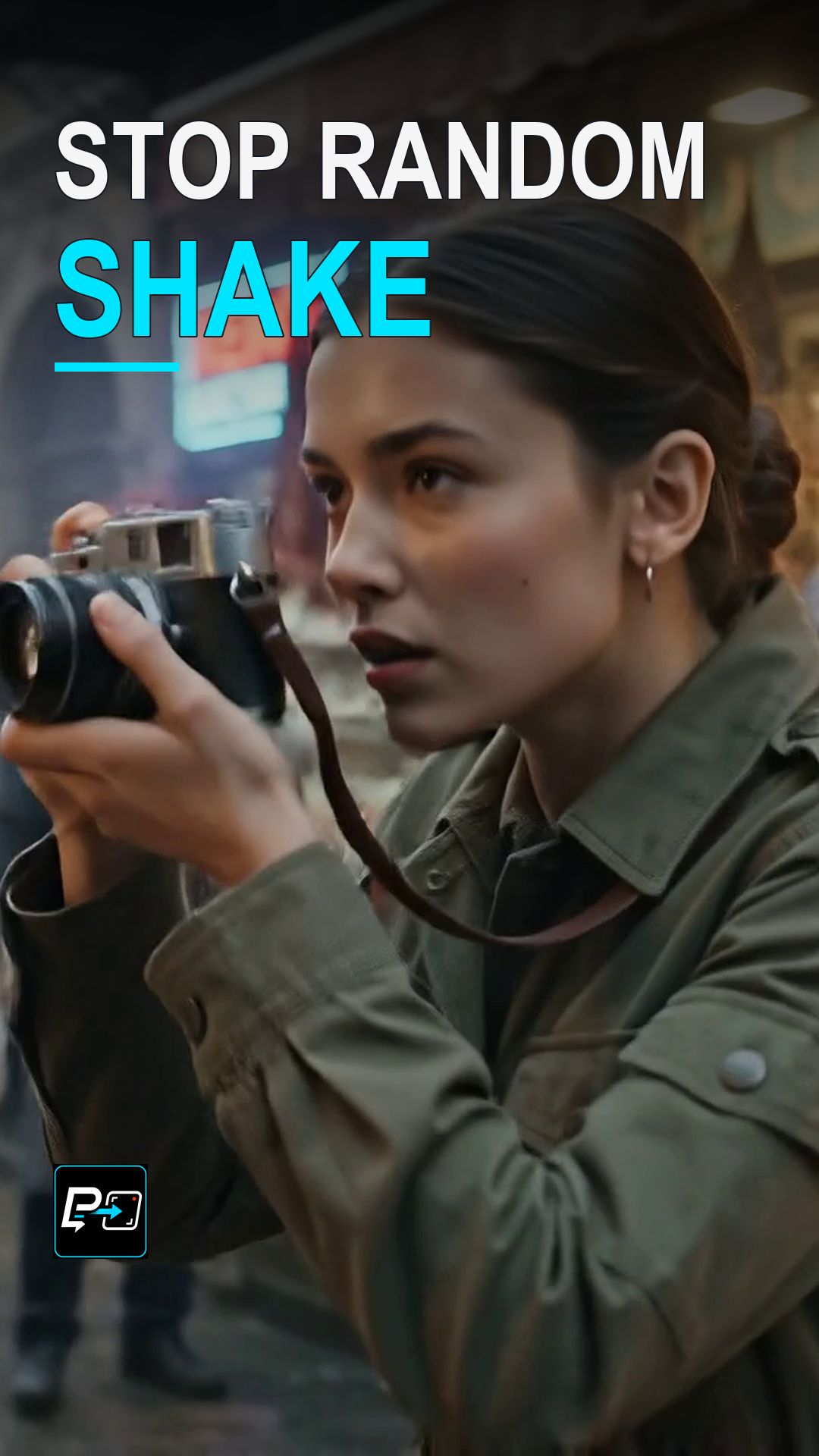
The most frequent failure in Prompt to Shot tests is the external tracking camera: the camera watches the subject from a fixed or slowly moving external position, and the face moves within the frame as the subject walks. This is the opposite of the Snorricam condition.

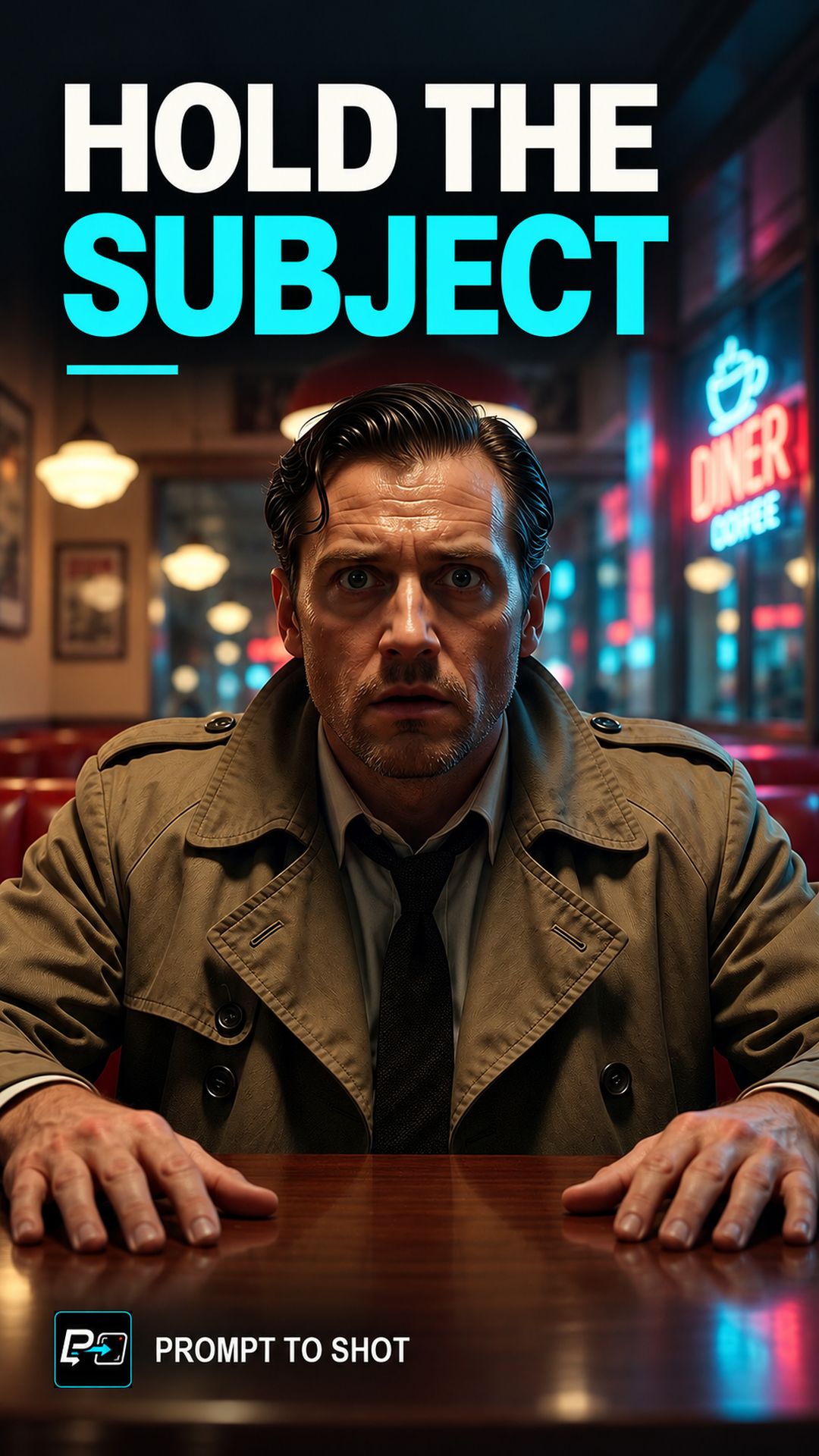
A secondary failure is a locked close-up with no environmental movement. The face may be stable, but if the background is also static, the shot lacks the defining contrast of the effect. The environment must move.

What Makes the Effect Work

Three conditions must be visible simultaneously:

  1. The face is locked in frame — same position, same size
  2. The camera moves — implied by the shifting environment
  3. The environment moves — visible through changing background content

All three are needed. A locked face with a static background is a close-up. A moving background with a drifting face is a tracking shot. Only when the face stays locked while the world moves does the Snorricam condition hold.

Part of the AI Cinematic Effects playlist.

Frequently Asked Questions

What is a Snorricam?

A Snorricam is a camera rig attached to a person's body, typically facing the actor's face. As the person moves, the camera moves with them — keeping the face locked in frame while the environment shifts around them. The disorientation comes from seeing the world move while the subject stays still in the frame.

What is the key visual test for a Snorricam shot?

Watch the face. In a correct Snorricam, the face stays centered and stable in frame throughout the shot, even as the actor walks, runs, or reacts. If the face drifts or the camera appears to track from a fixed position rather than moving with the body, the effect is not working.

How is a Snorricam different from a standard tracking shot?

A tracking shot follows a subject from an external camera position — the subject may move within the frame. A Snorricam is mounted to the subject, so the face is always at the same position in the frame regardless of body movement. The camera does not track — it rides.

Why is a Snorricam difficult to simulate in AI video?

In Prompt to Shot tests, models frequently produce a stationary camera that watches the subject move rather than a camera that moves with the subject. The face drifts in frame rather than remaining fixed. Simulating the body-mounted perspective requires keeping the face locked as a constraint.

Guides

Free & Premium Guides

Continue with the Free Guide for a practical reference, or go deeper with the Premium Guide for model-aware prompting and reference outputs.

Free Guide

Free Guide

  • FormatPDF
  • Length~28 pages
GET THE FREE GUIDE

Opens in a new tab. Your download access will be sent by Lemon Squeezy; close the checkout tab to return here.

Premium Guide

Premium Guide

  • FormatPDF, MP4
  • Length~58 pages
  • Price$14.99 USD
  • 25 effects and technique explanations
  • Model-aware prompting (Gemini, Google Flow, Kling AI)
  • 75 Reference videos (MP4)
  • Language editions: EN, FR, ES, DE, JA, PT-BR
GET THE PREMIUM GUIDE — $14.99 USD

Series

AI Cinematic Effects

Practical Shorts on cinematic effects for AI video — covering motion, timing, perspective, and camera behavior effect by effect.